
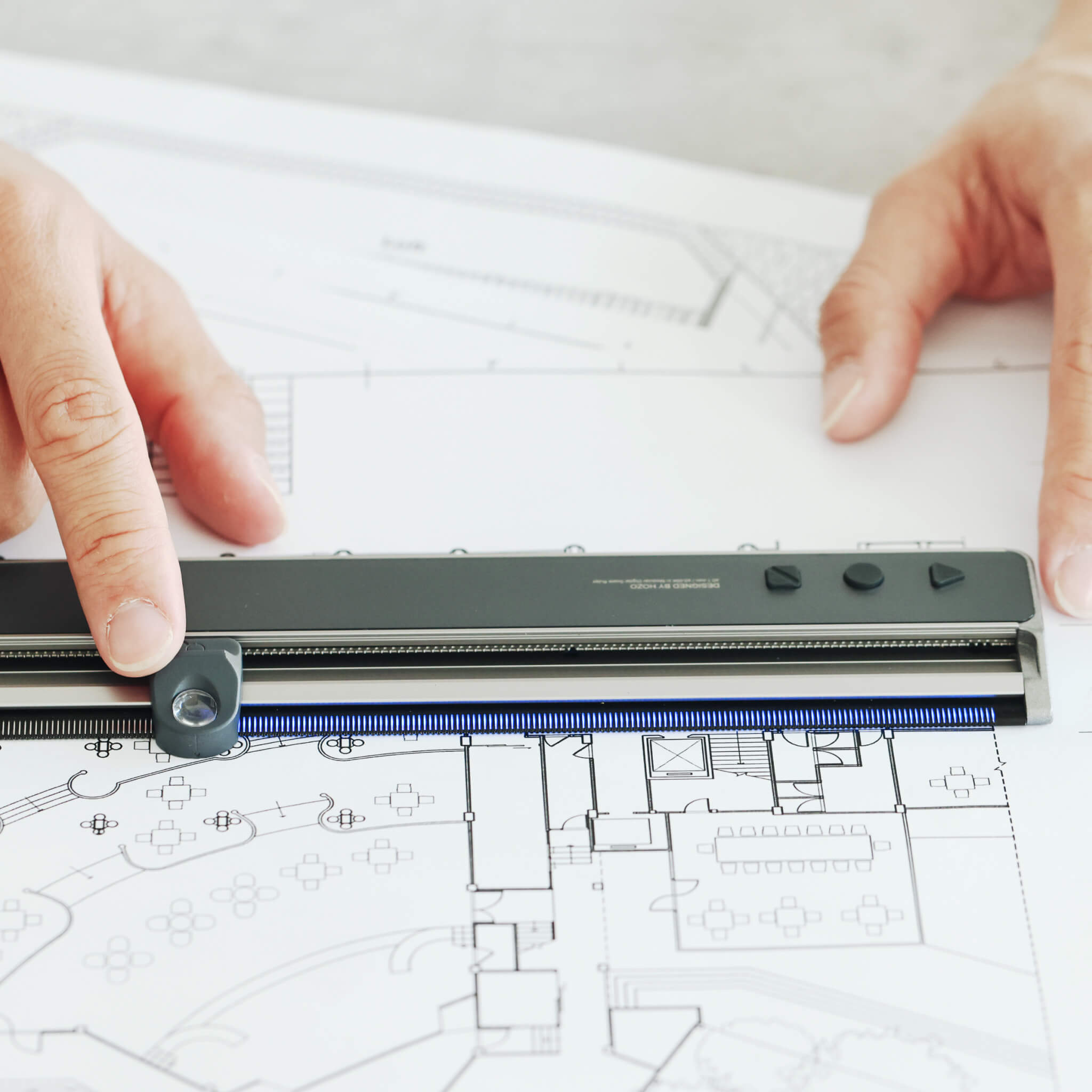
NeoRuler – skalinjal
Oändligt anpassningsbara skalor, 0,1 mm upplösning
Viktiga tillbehör
Beskrivning
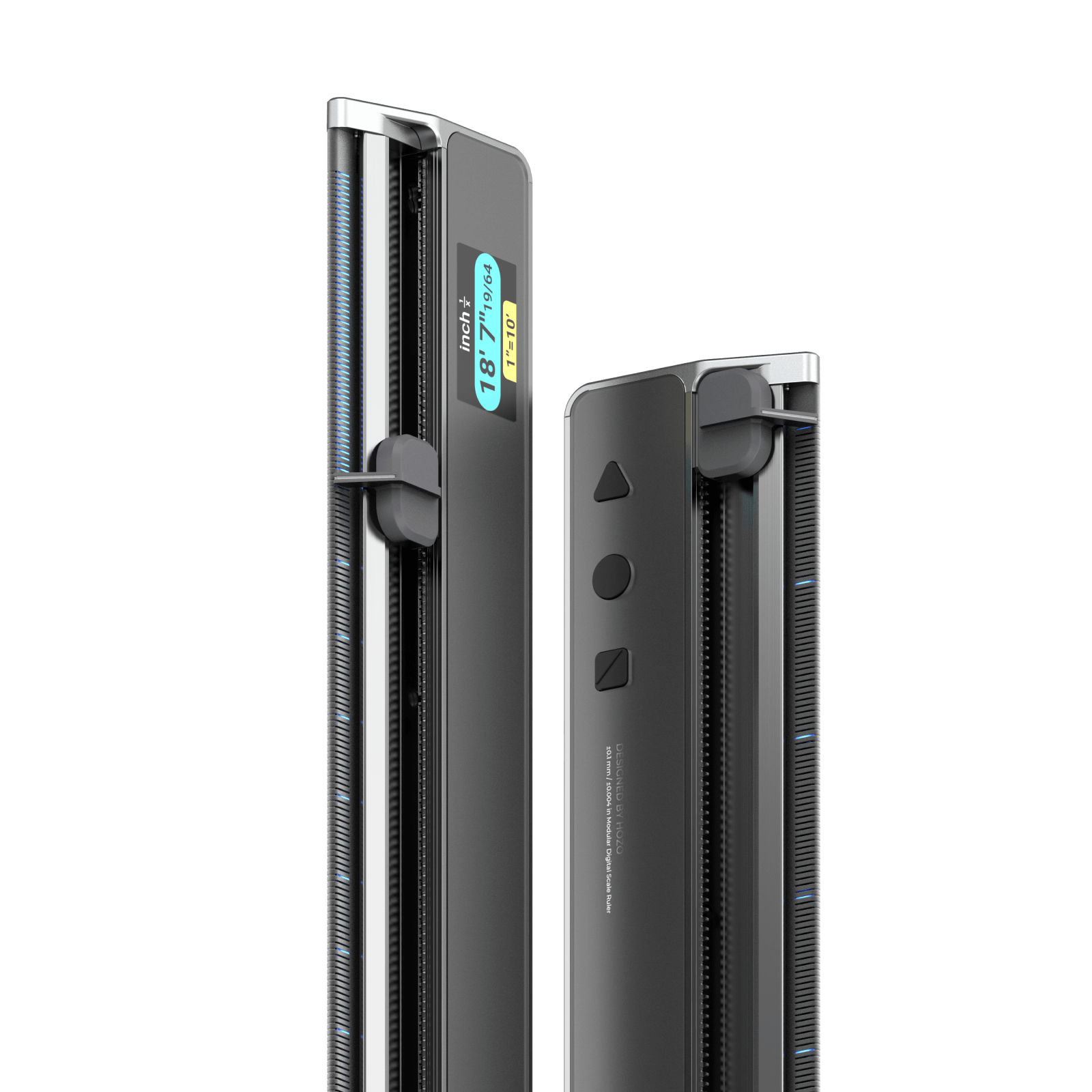
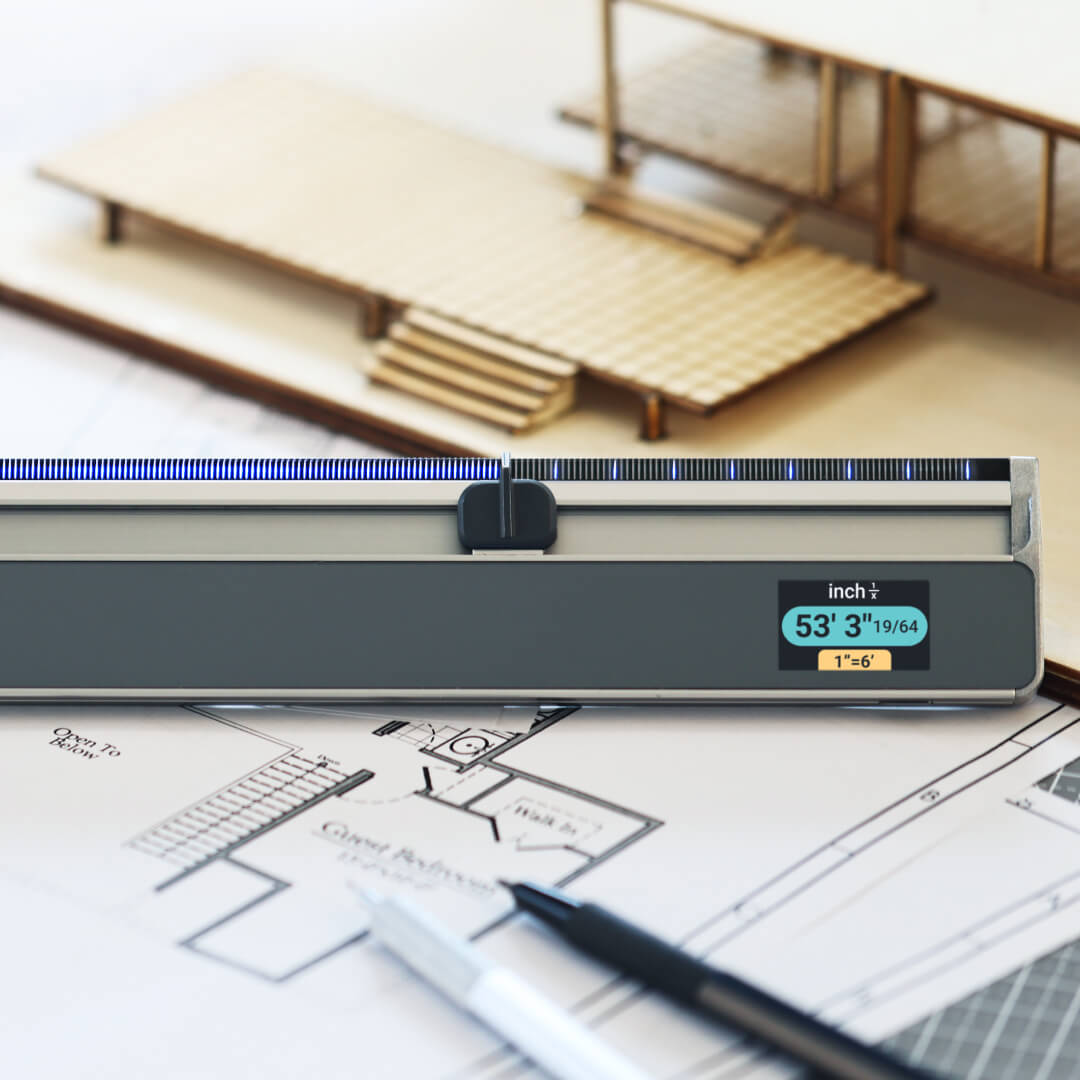
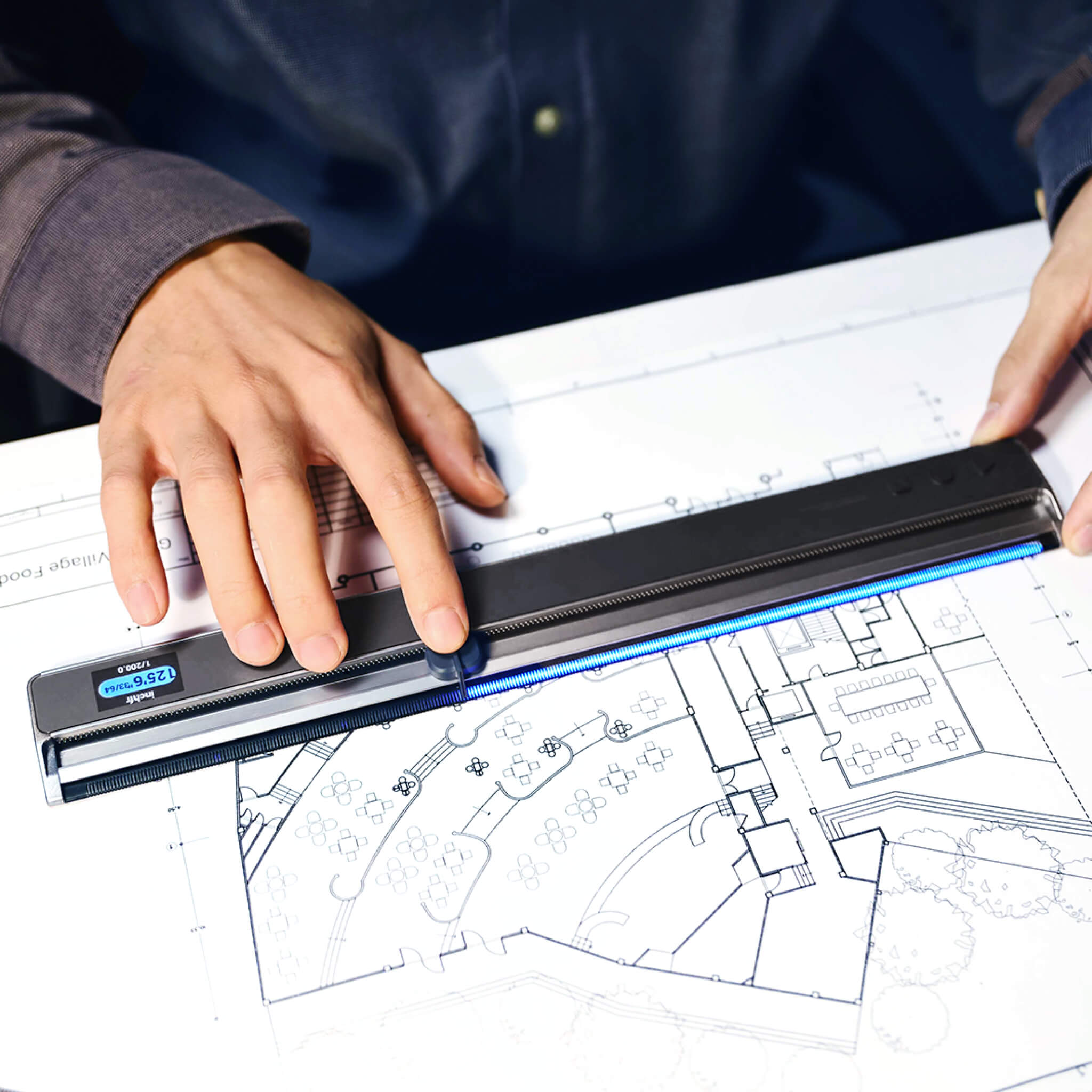
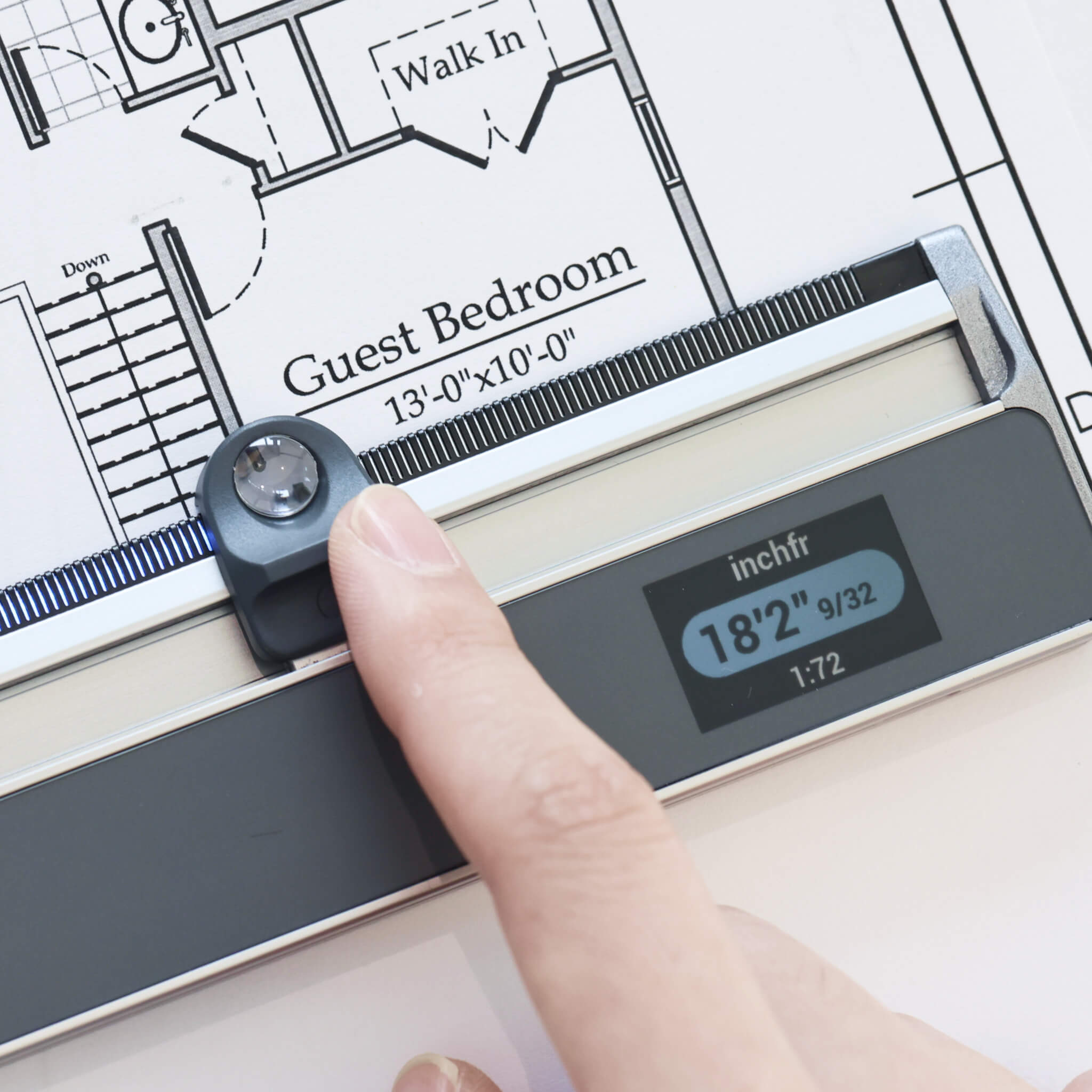
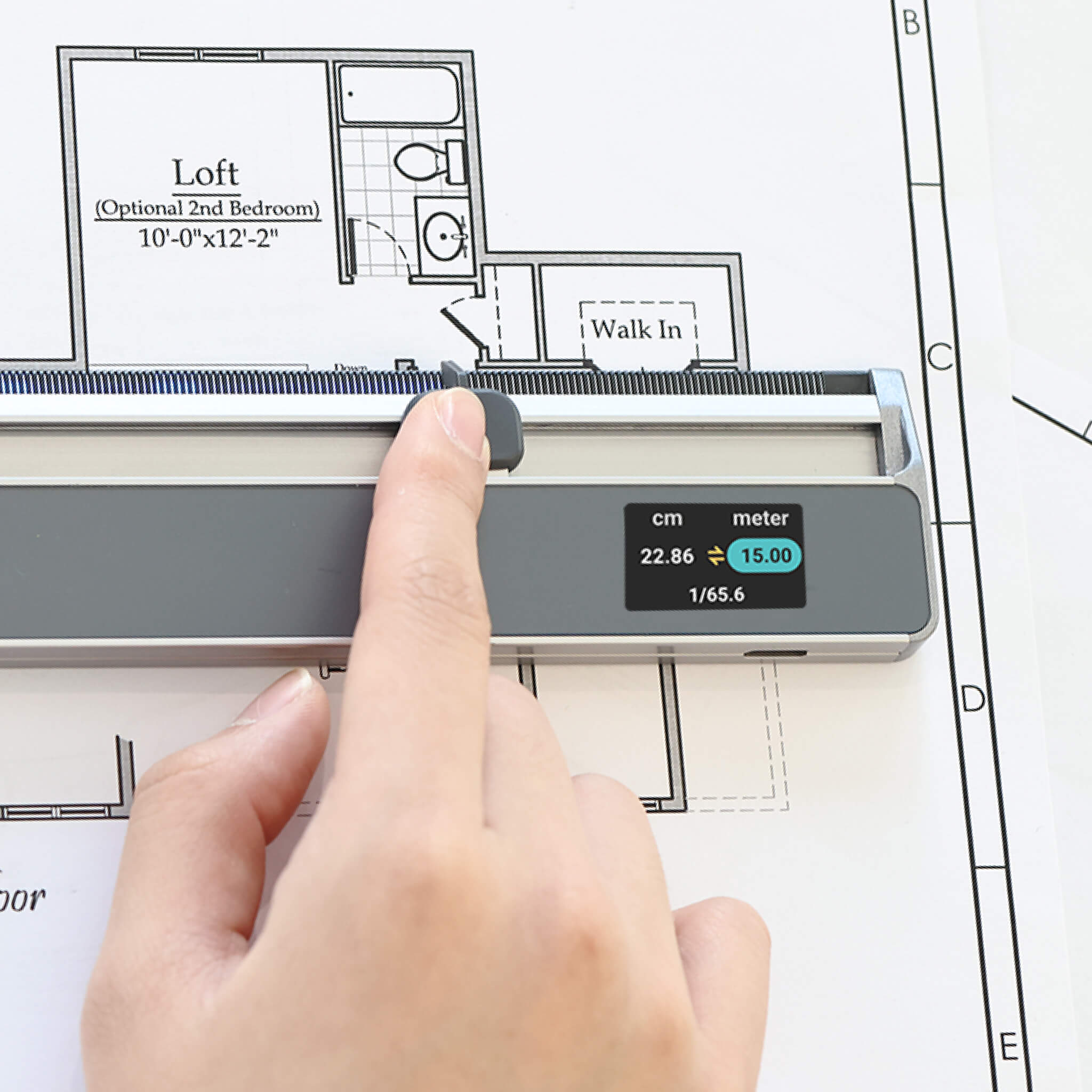
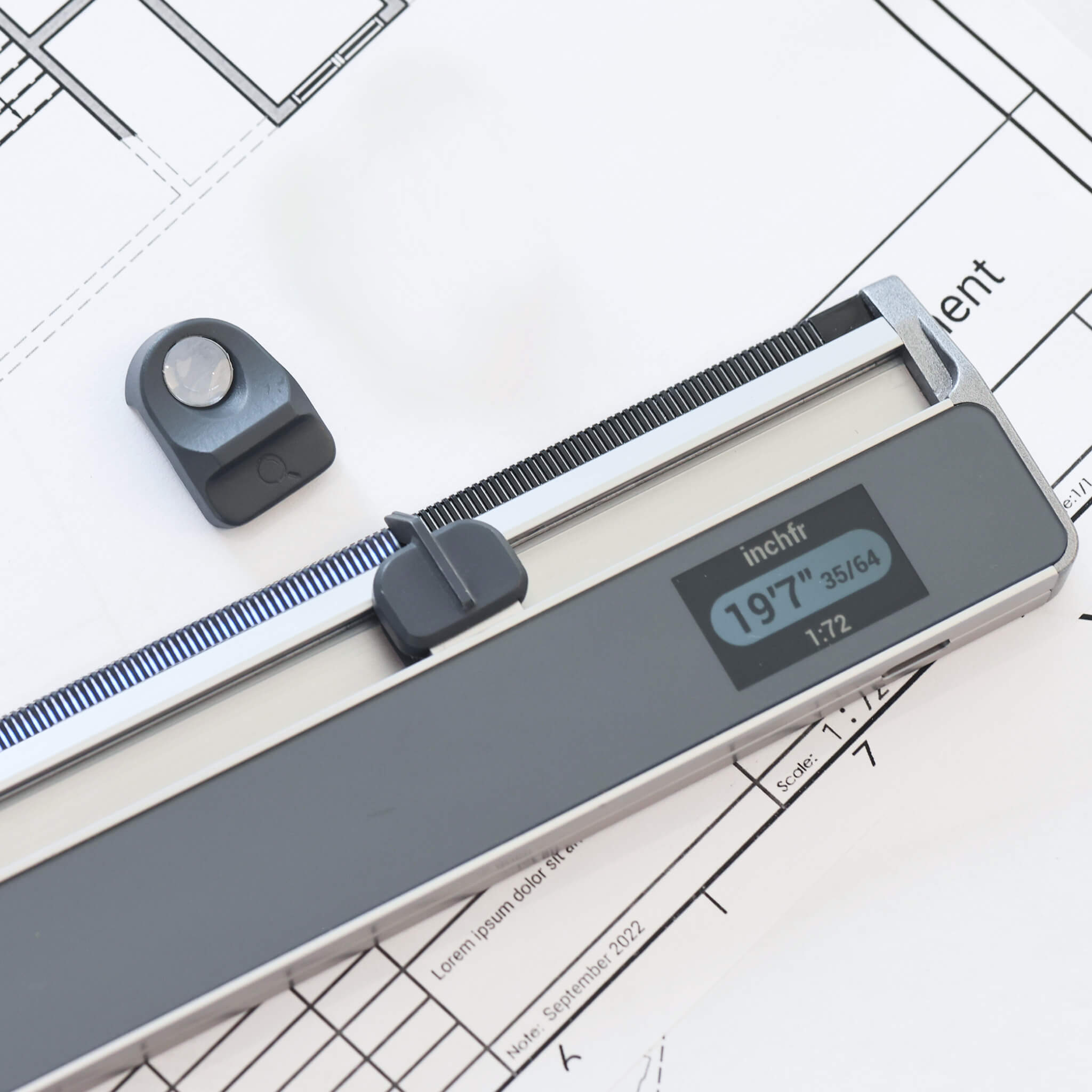
Ta steget in i framtidens mätning med Neoruler, där avancerad teknik kombineras med elegant design för en oöverträffad mätupplevelse. Med 93 inbyggda skalor har du många alternativ till hands för alla typer av uppgifter. Behöver du arbeta med planer i icke-standardiserad skala eller feltryckta planer? Inga problem – ställ enkelt in egna skalor efter dina specifika behov. Att dela upp mätningar i 2–12 lika stora delar går nu utan ansträngning, med tydliga LED-indikatorer som visar vägen och eliminerar behovet av manuella beräkningar. Den digitala LCD-skärmen ger kristallklara och exakta avläsningar med en precision på ±0,004 tum (±0,1 mm), så att varje detalj räknas. Dessutom låter den kostnadsfria MEAZOR-appen dig smidigt registrera och exportera dina resultat, så att dina mätningar alltid finns nära till hands.
- 93 inbyggda skalor, inklusive amerikanska standard skalor för ingenjörs- och arkitektritningar.
- Egna skalor för specifika projekt, idealiska för feltryckta planer eller planer utan angiven skala.
- Smidig uppdelning av mätningar i 2–12 delar med LED-indikatorer.
- Tydliga och exakta avläsningar med en precision på ±0,004 tum (±0,1 mm) på en digital LCD-skärm.
- Kostnadsfri MEAZOR-app för enkel registrering och export av resultat.
Prisbelönt design
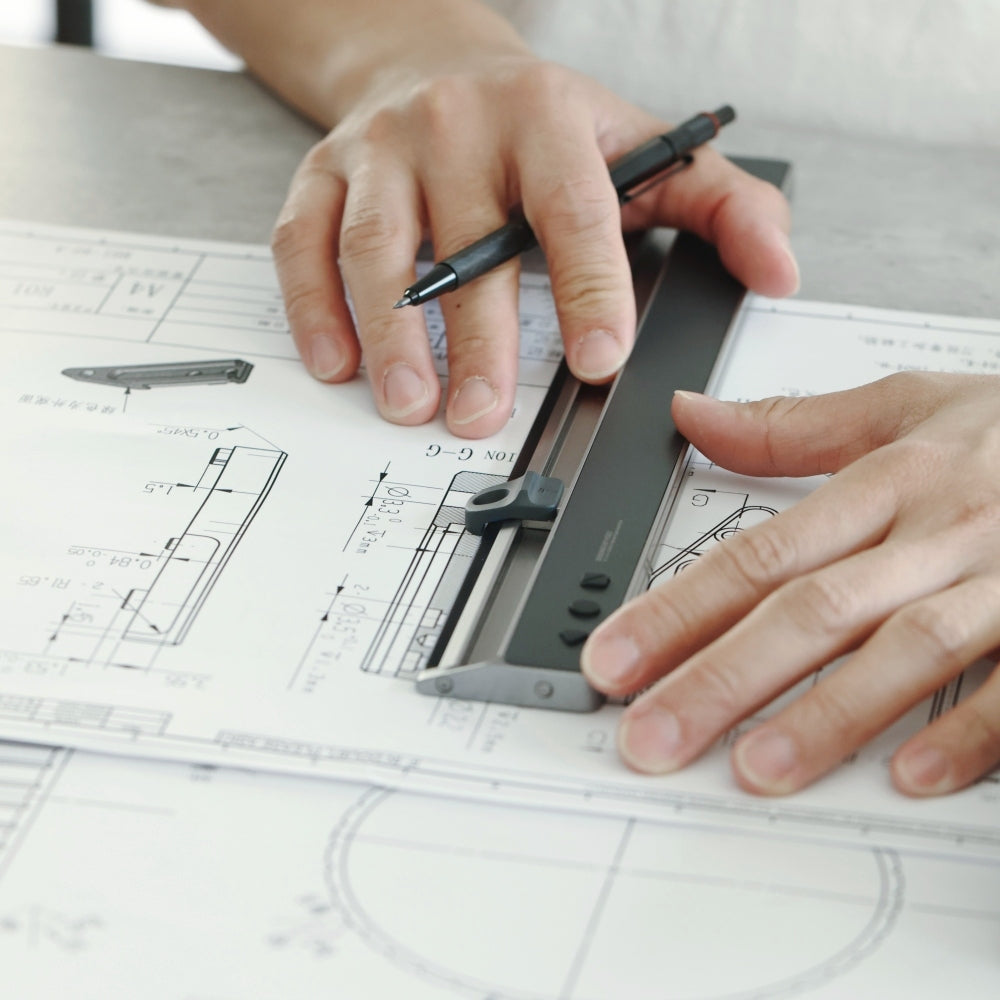
NeoRuler, vinnare av iF Design Award 2024, omdefinierar precisionsmätning med sin revolutionerande modulära digitala design. Till skillnad från traditionella linjaler med fasta markeringar visar NeoRuler alla mått och funktioner digitalt på en LCD-skärm, vilket ger oöverträffad noggrannhet och bekvämlighet. Det innovativa skjutreglagesystemet gör att vilken punkt som helst kan fungera som startpunkt, medan smidigt enhetsbyte, beräkningar med icke-standardiserade skalor och bråkomvandlingar eliminerar de begränsningar som konventionella verktyg har. Med 93 inbyggda skalor och anpassningsbara alternativ via appen är NeoRuler en banbrytande lösning som erbjuder global kompatibilitet för yrkesverksamma inom alla branscher.
Grundläggande specifikationer
- Mätområde: 12 tum (305 mm)
- Noggrannhet: ±0.004 tum (±0.1 mm)
- Batteri: 1000 mAh uppladdningsbart litiumjonbatteri (45 dagars standbytid, 12 timmars kontinuerlig användning)
- Display: 1.14-tums bakgrundsbelyst LCD-display med äkta färgåtergivning
- Upplösning: 240 ppi
- Mått (L, W, D): 13x1.7x0.39 tum (330x43x10 mm)
- App: MEAZOR APP 2.0 (tillgänglig för Android och iOS, telefoner och surfplattor)
Frakt
NeoRuler – skalinjal
Om du har några frågor är du alltid välkommen att kontakta oss. Vi återkommer till dig så snart som möjligt, inom 72 timmar på vardagar.
-
Fraktinformation
Beställningar skickas inom 3 arbetsdagar.
Fri standardfrakt erbjuds för kvalificerade beställningar på 180 US$ eller mer till utvalda destinationer. Gäller inte expressfrakt eller viktbaserad standardfrakt.
Beräknade leveranstider med standardfrakt
- Sammanhängande USA: 2–4 arbetsdagar
- Övriga Amerika: 4–15 arbetsdagar
- Europa: 4–15 arbetsdagar
- Asien: 3–15 arbetsdagar
Leveranstiderna varierar beroende på destination och omfattar inte orderhantering. Vissa avlägsna områden kan inte nås. Se vår fraktpolicy för landsspecifika leveranstider, priser och begränsningar.
-
Kundsupport
Kontakta oss! Chatta live med oss kl. 09.00–18.00 (HKT) på vardagar eller mejla oss dygnet runt! Vardagar? Vi svarar inom några minuter. Helger? Inom 2 dagar!


Epic Neo-funktioner


Uppgradera med Neo-moduler
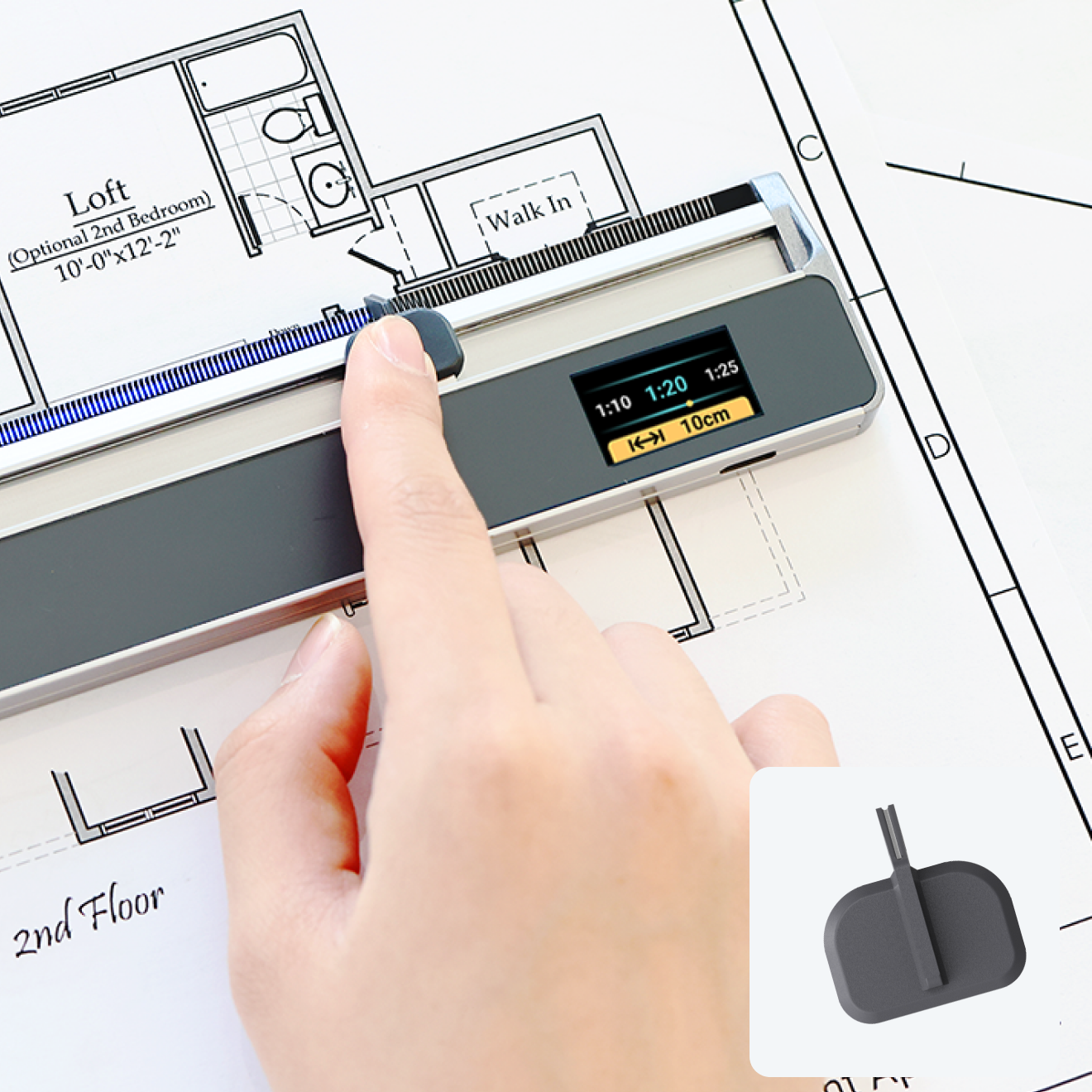
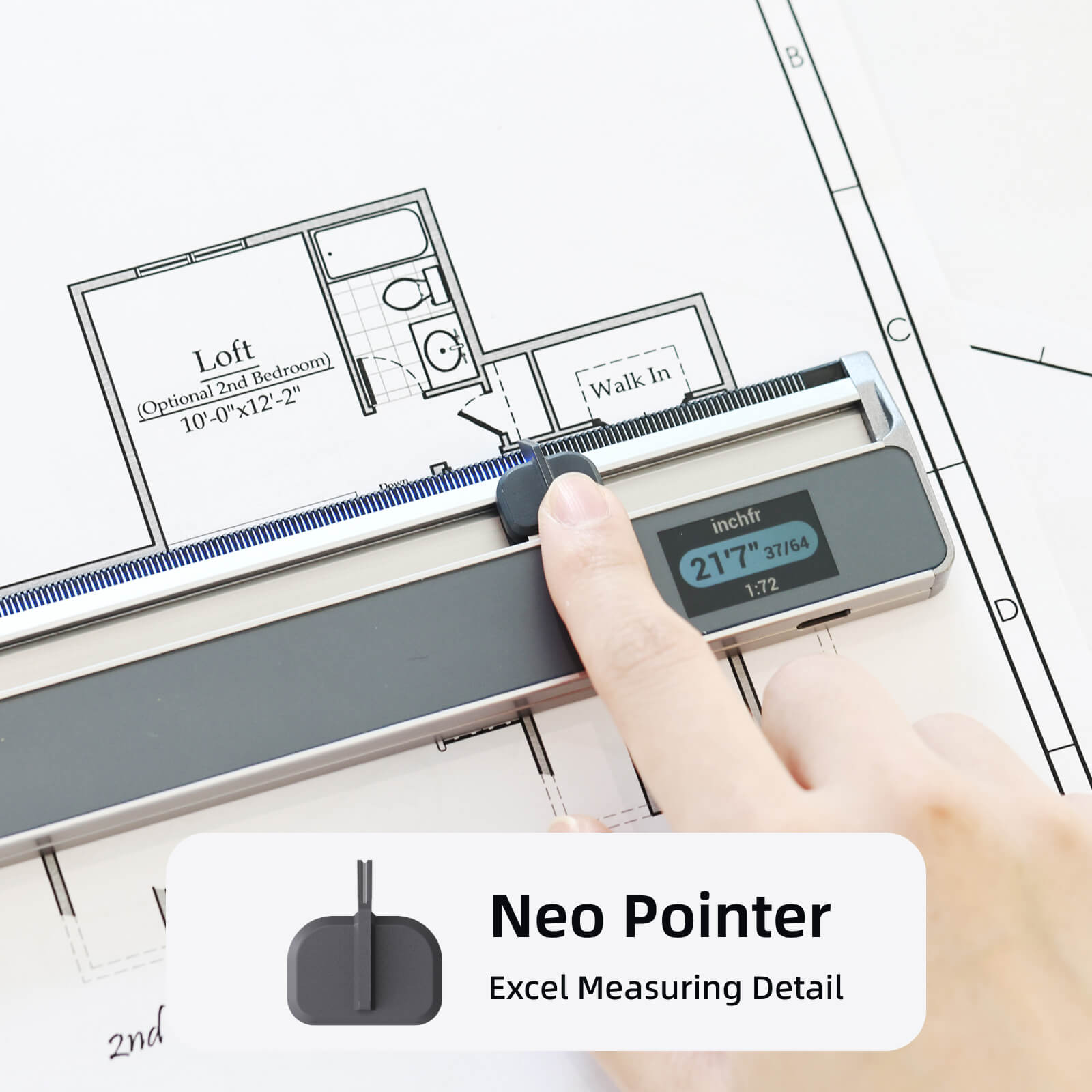
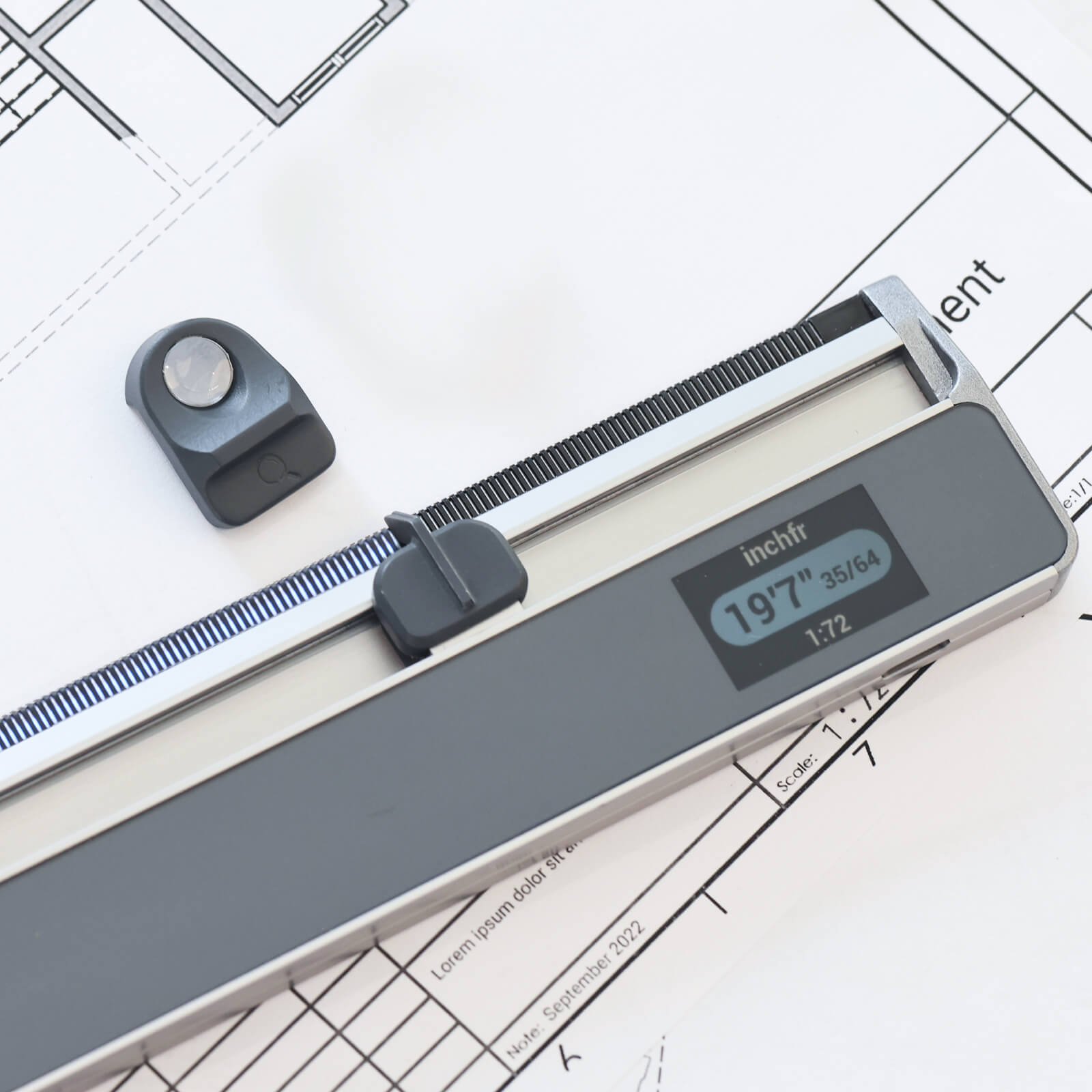
Neo Pointer
Detaljerad Excel-mätning
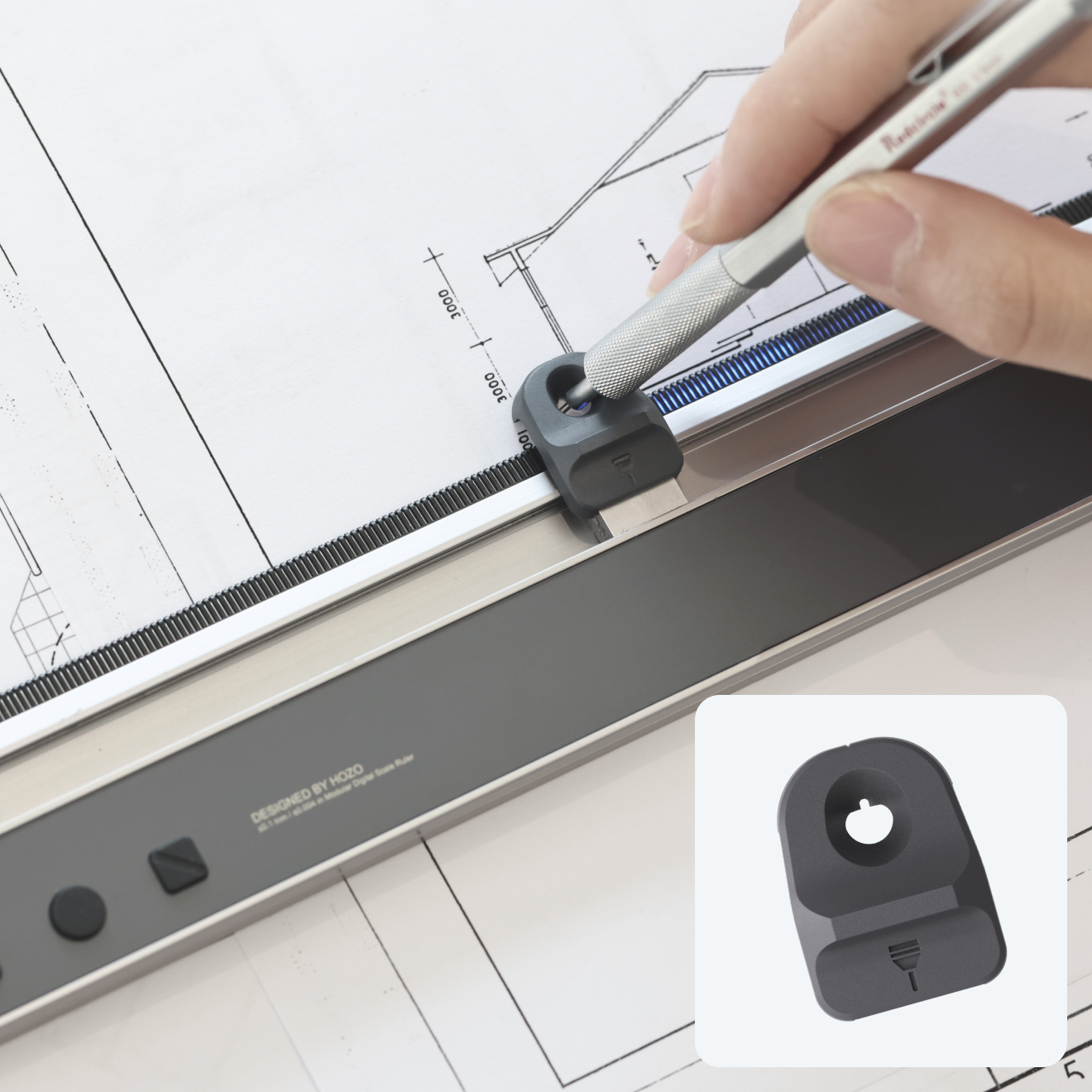
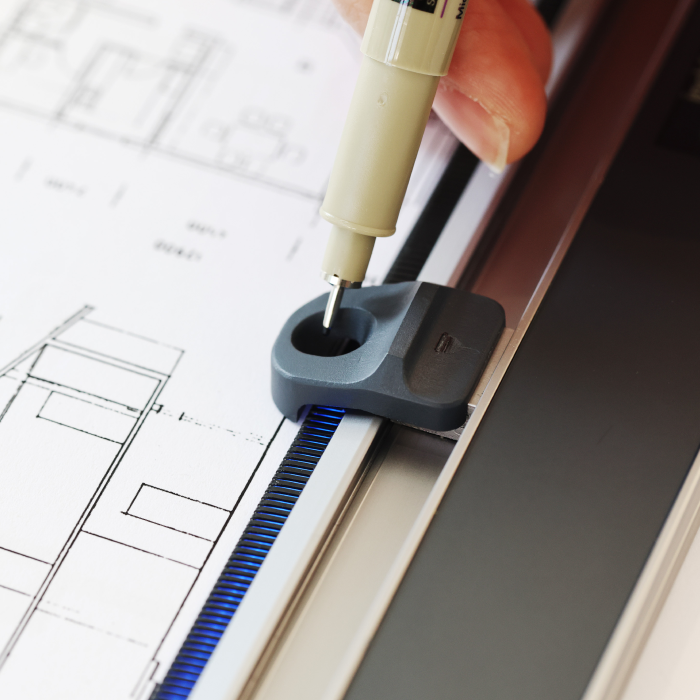
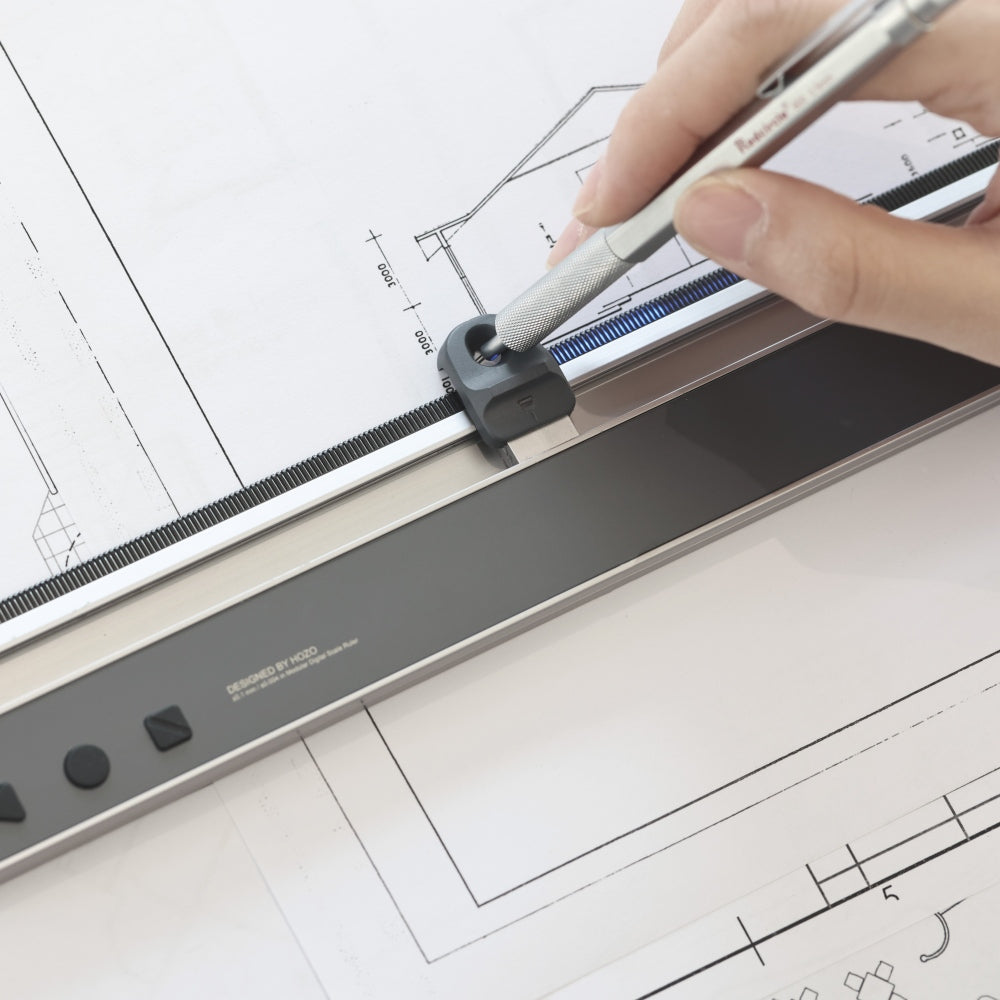
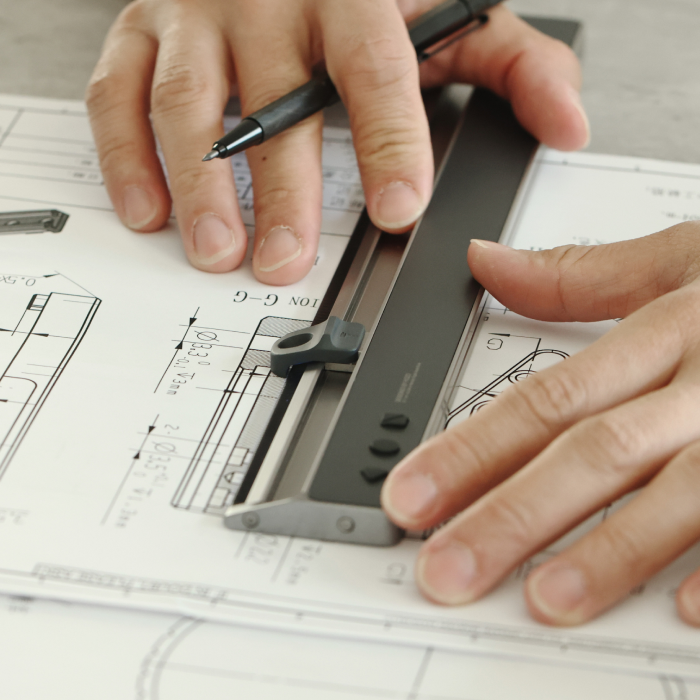
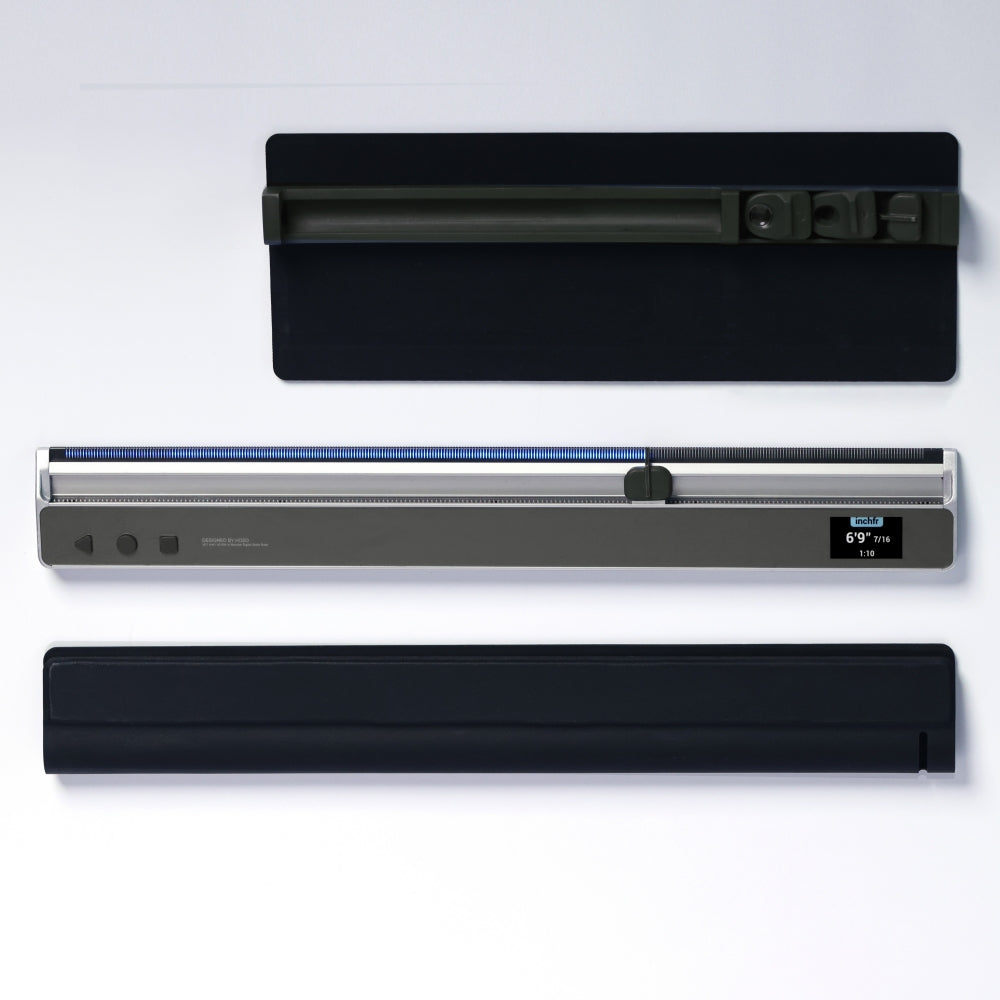
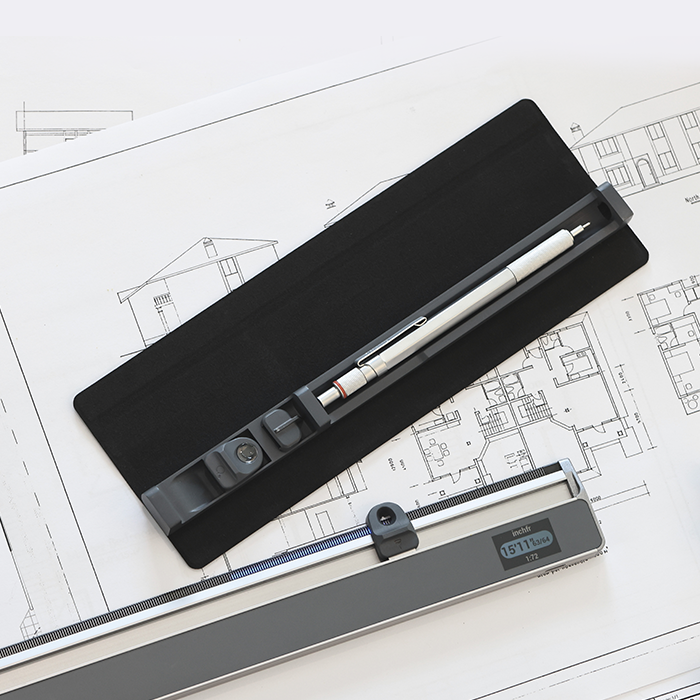
Neo pennhållare
Aktivera ritprecision
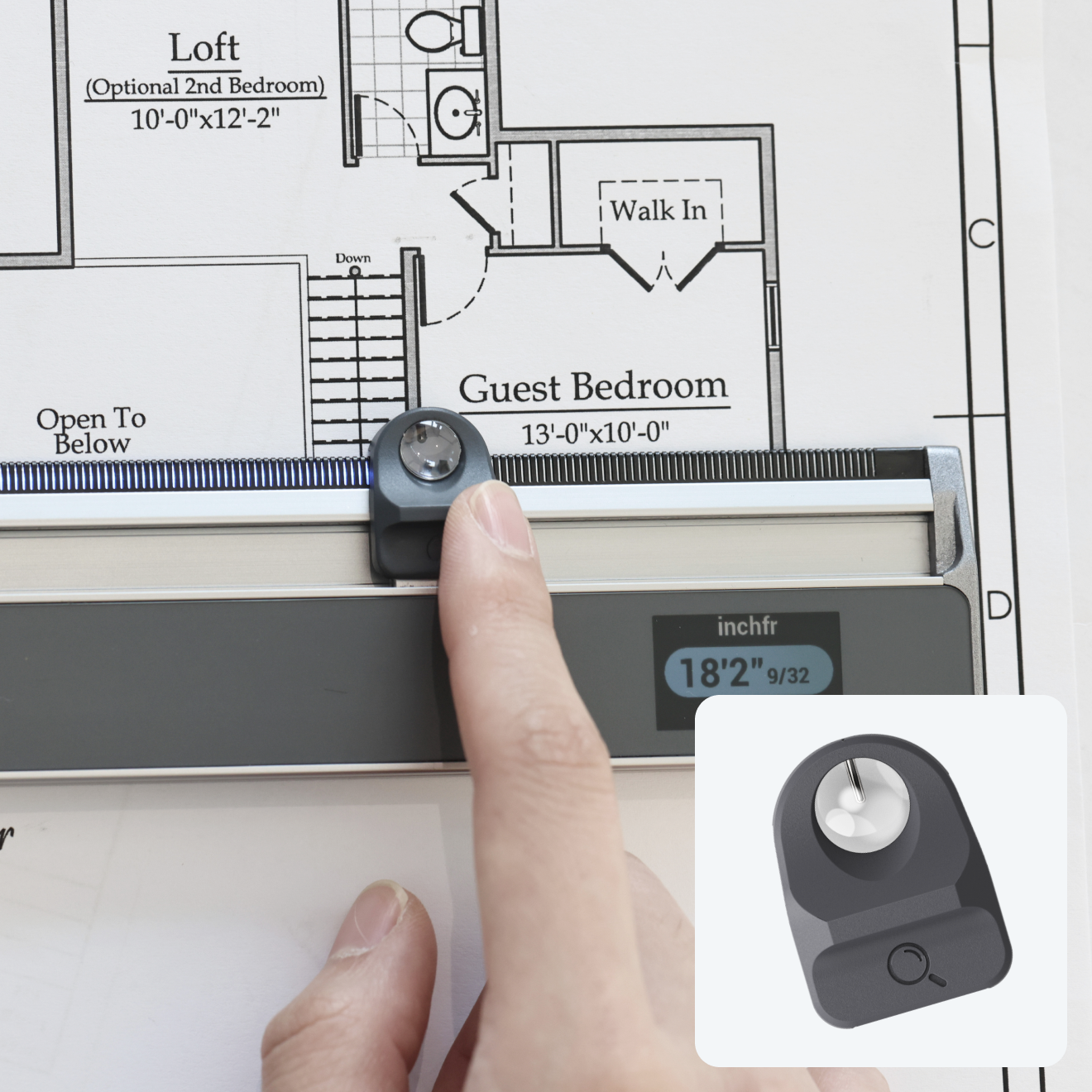
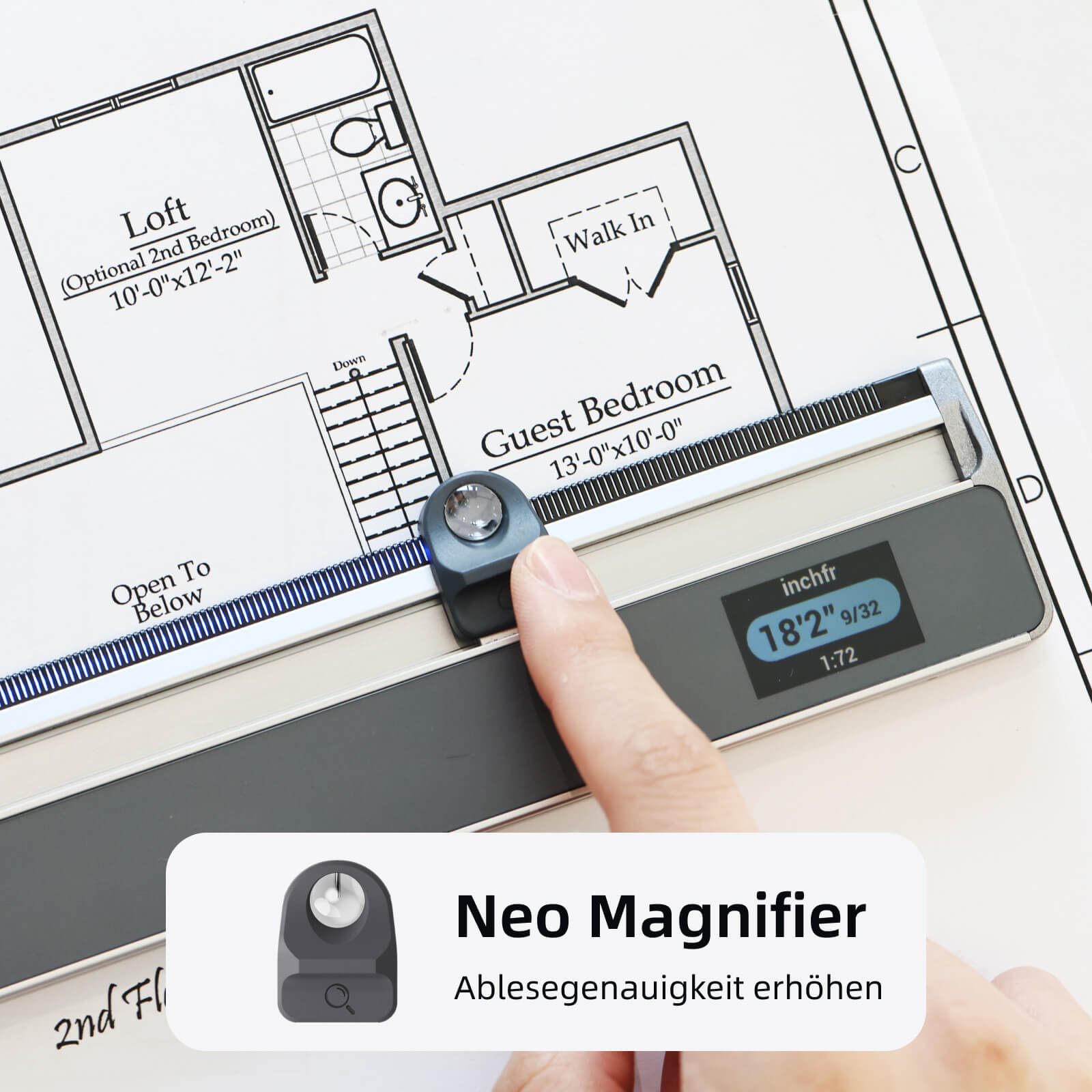
Neo-förstoringsglas
Förbättra läsnoggrannheten
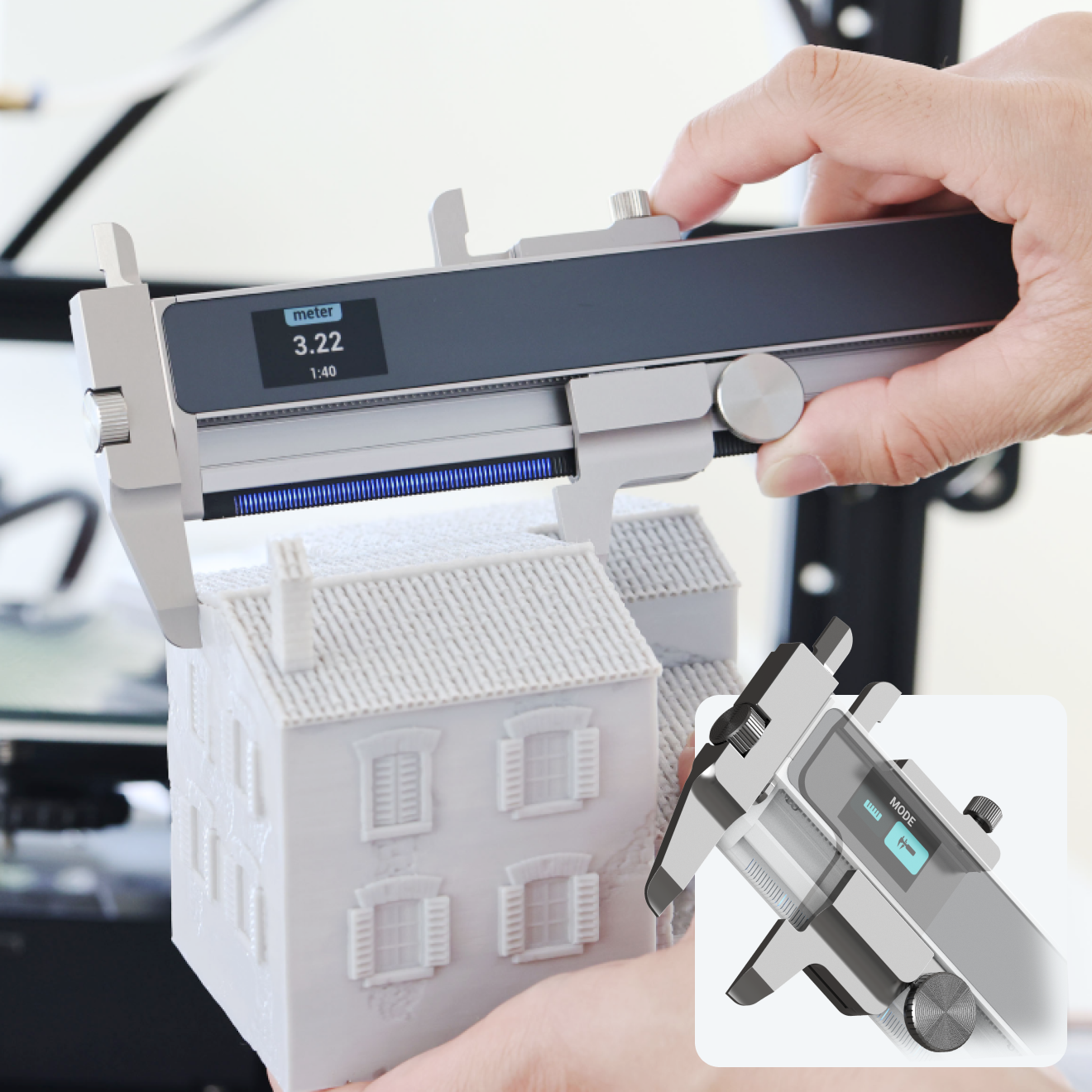
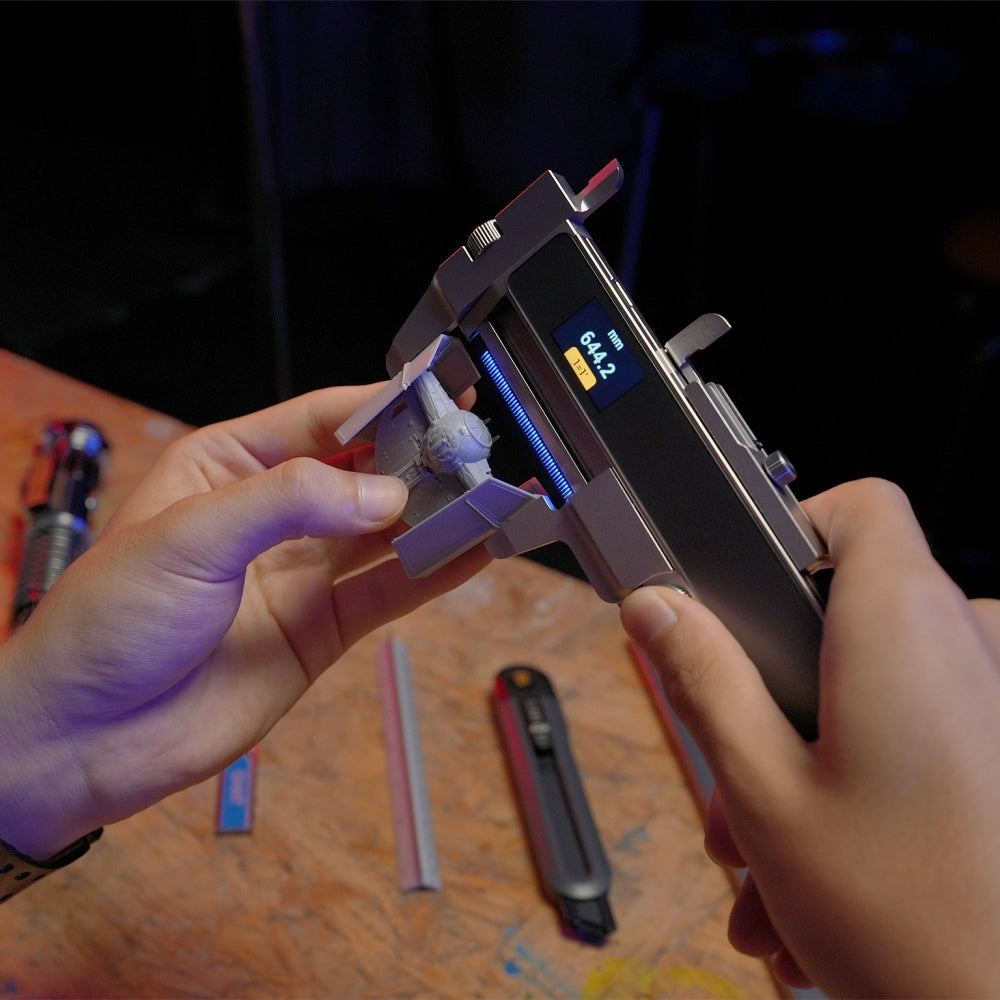
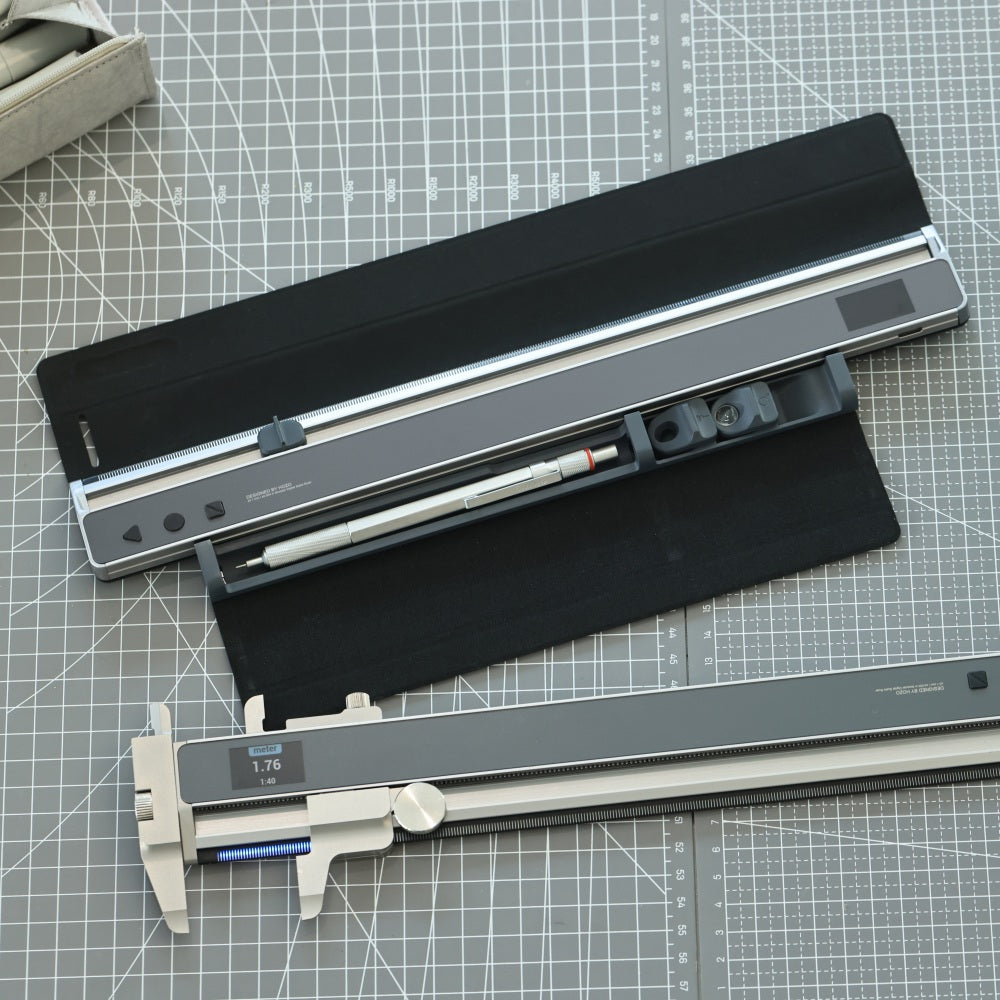
Neo-skjutmått
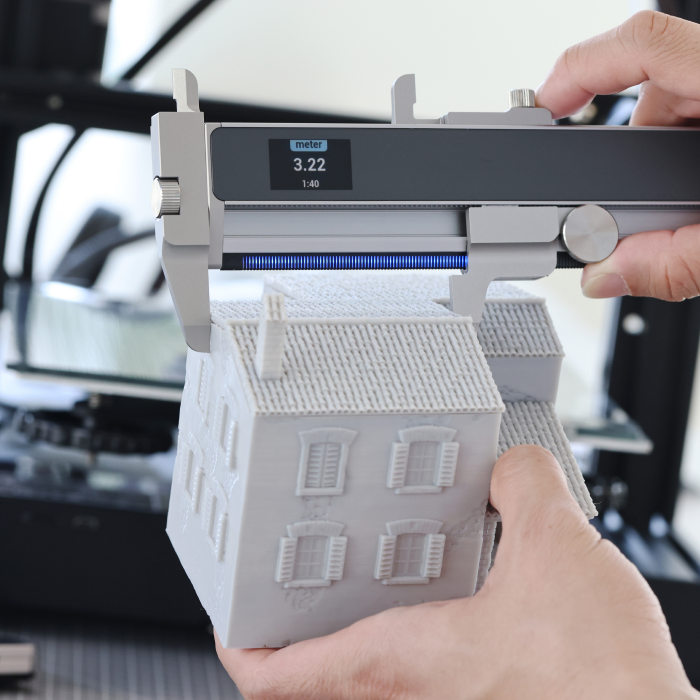
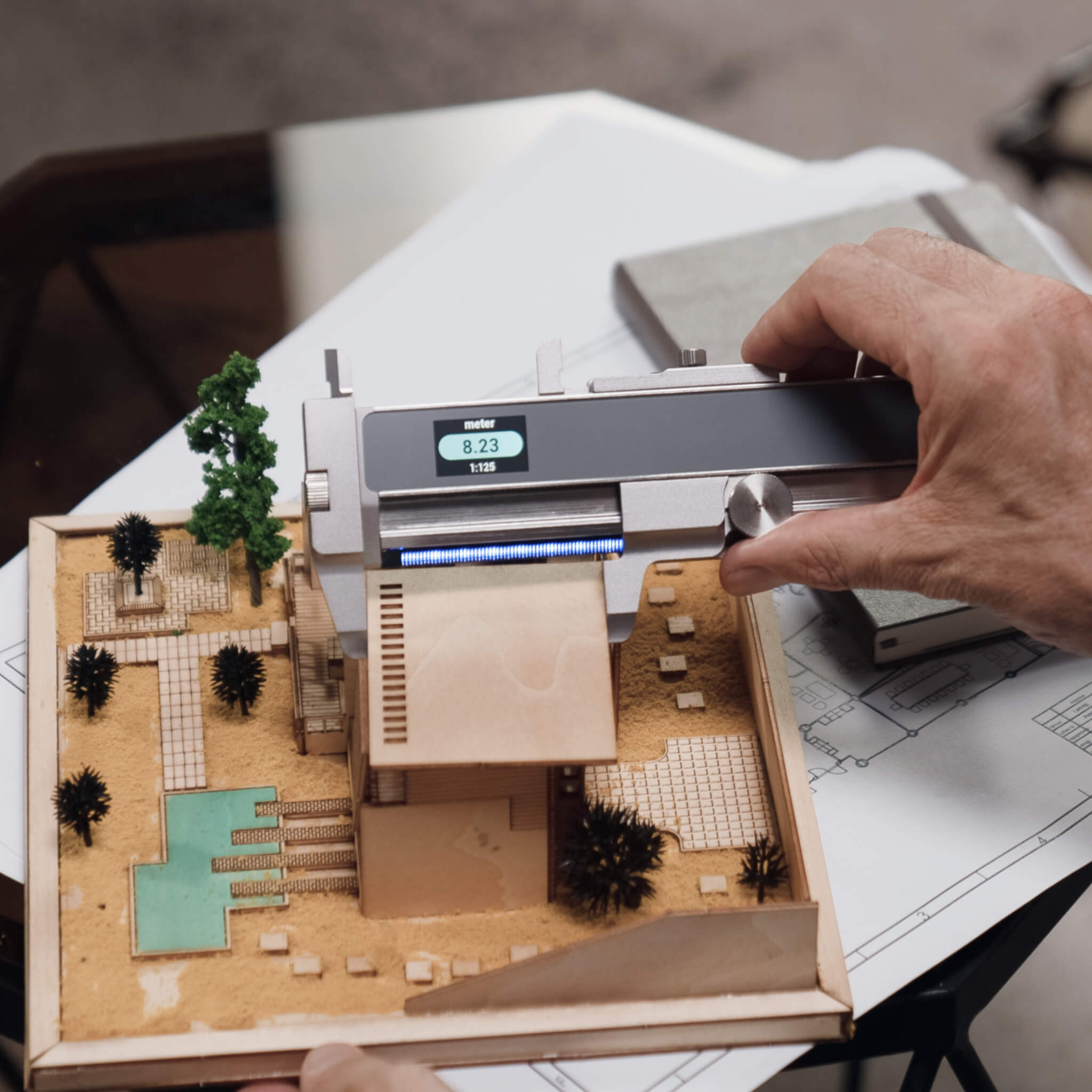
Förbättra objektmätningen



NeoReading-kit – förstoringsglastillbehör



Förbättra din konfiguration
Lägg till tillbehör och få 20 % rabatt!

Smart mätning med MEAZOR-appen

Tekniska specifikationer
Beskrivning
Den smartaste digitala linjalen som uppfyller alla dina mätbehov på skrivbordet, med oändligt många anpassningsbara skalor, flera enheter och en upplösning på ±0,1 mm.
Mätområde
0–12 tum (0–305 mm)
Noggrannhet
±0,004 tum (±0,1 mm)
Enheter
Imperial: decimaltum, bråktum, decimalfot, bråkfot, mile*
Metriskt: mm, cm, m, km*
Beräknad skala
Minimum: 100 000:1
Maximum: 1:100 000
Mellanrumselement
2–12 avsnitt
Ingår i förpackningen
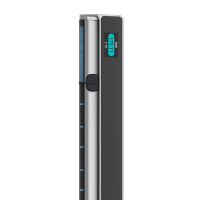
NeoRuler
USB-C-laddningskabel

Användarmanual
Videorecensioner
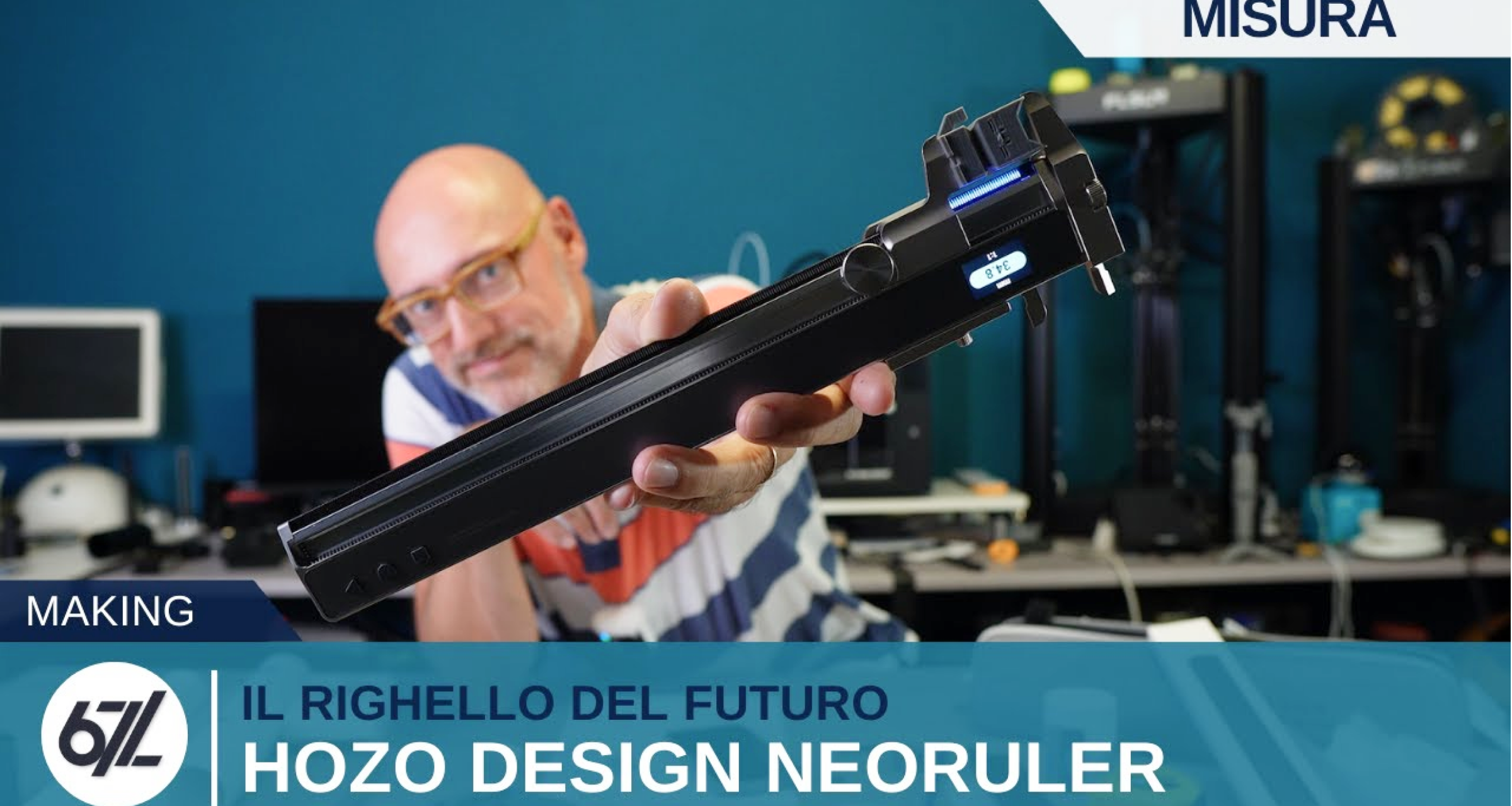
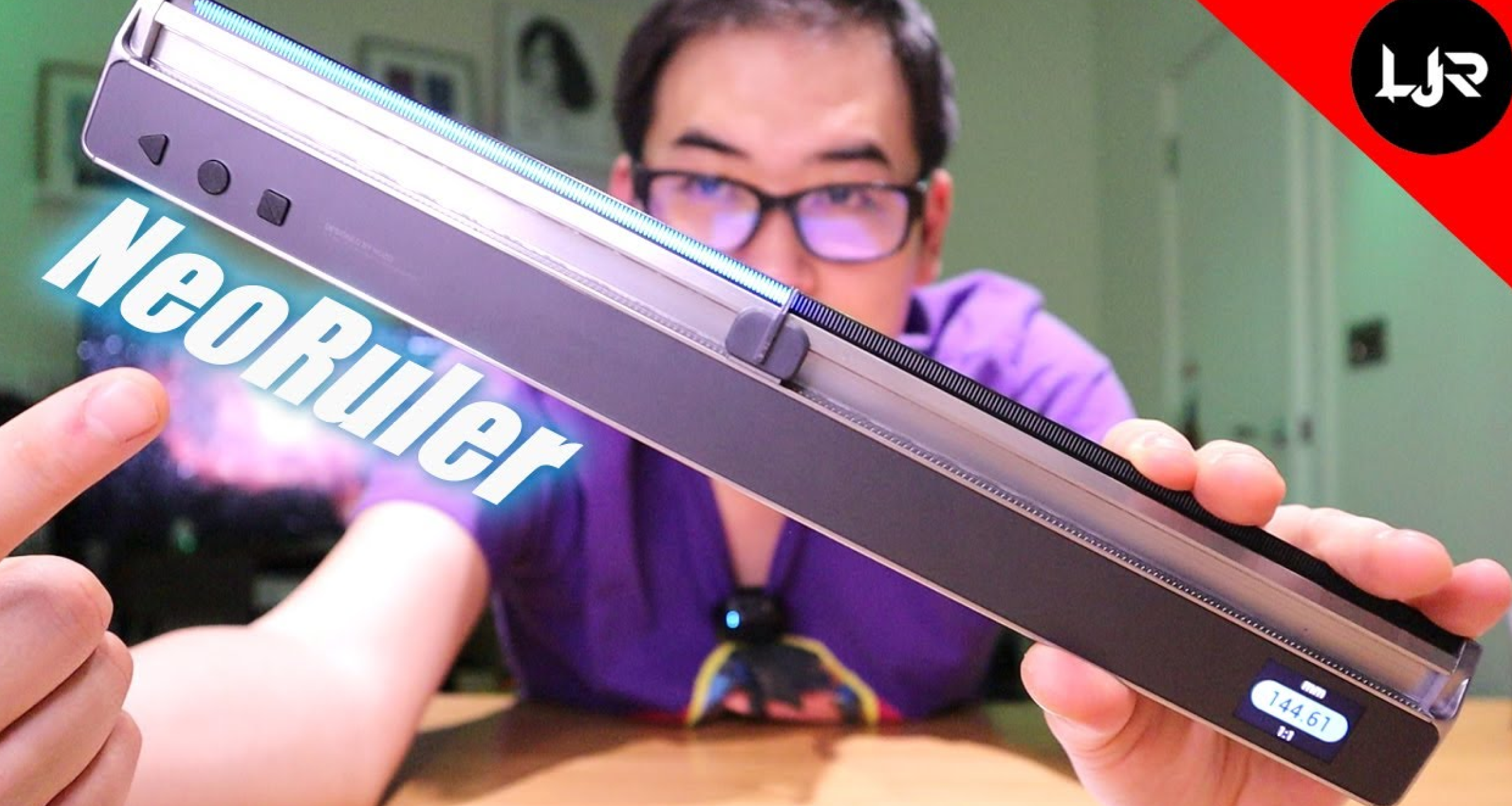
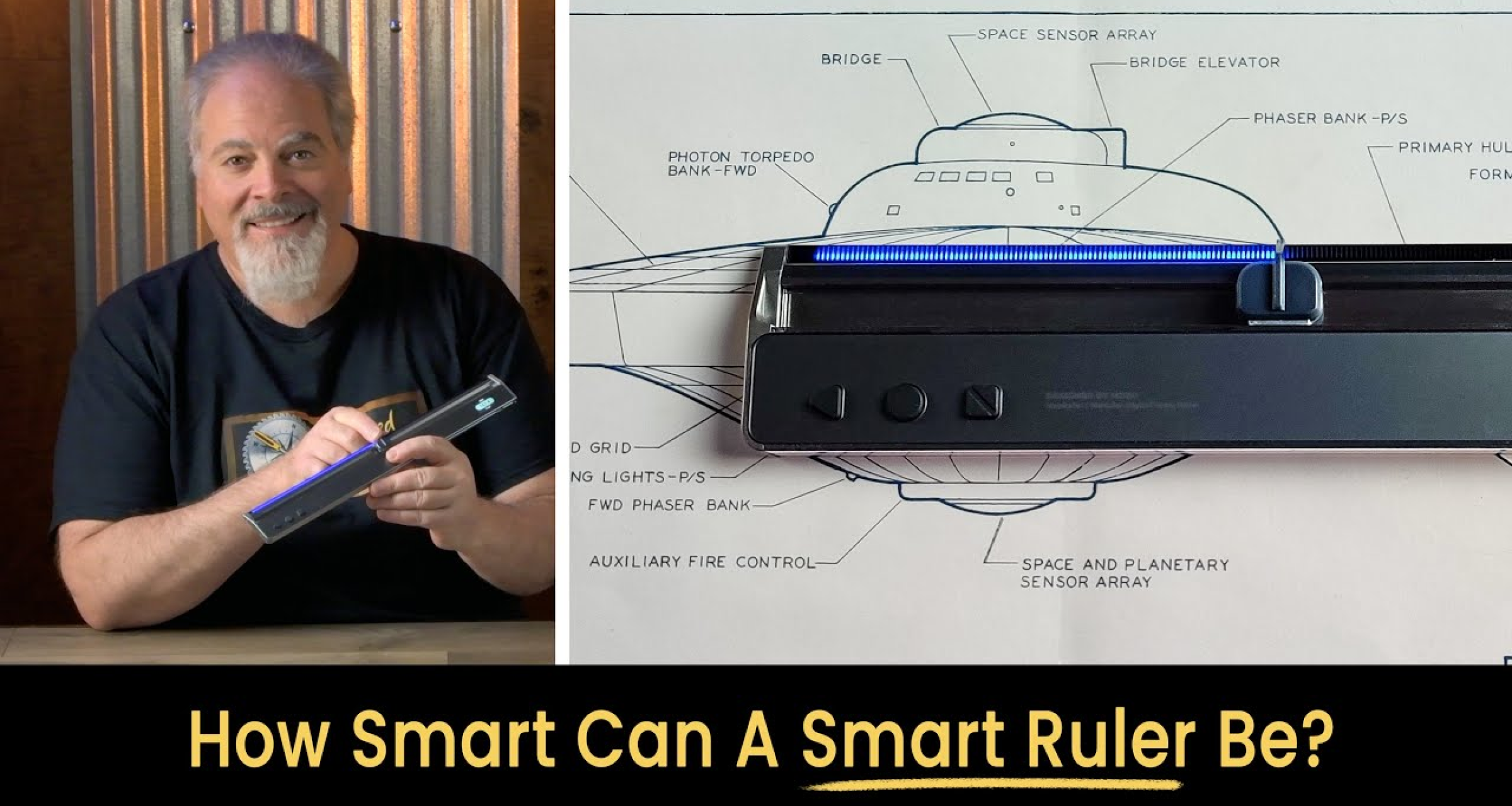
Amazed by quality, Thank you so much

Bien reçu et conforme à la description, très bon matériel de qualité et précision au top.
Un peu cher, mais si vous pouvez, alors n'hésitez pas.


The Ruler is great and the caliper as well. The directions could be clearer but I found the below you tube video was most helpful and I made a Publisher set of directions with the help of it. I can't understand why it is necessary to unscrew the caliper attachment in order to use the combo as a ruler as it seems to work OK if it is left in place and only the caliper removed. Am I missing something here?
https://www.youtube.com/watch?v=jgbP4I22o-A
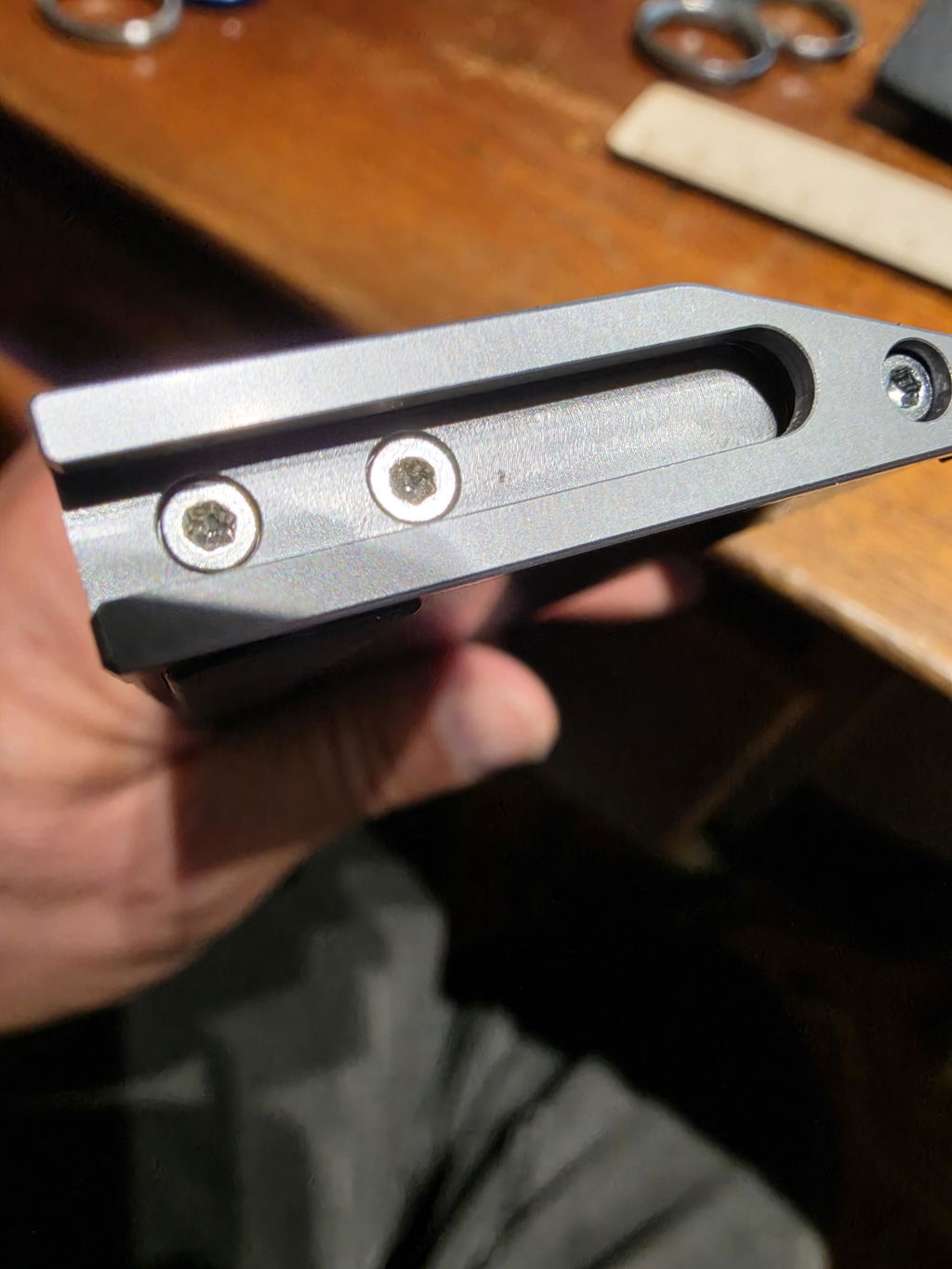
I have my hand this device, for now very gratefully isa excellent device very I necessary for me activity diary. Thanks…..
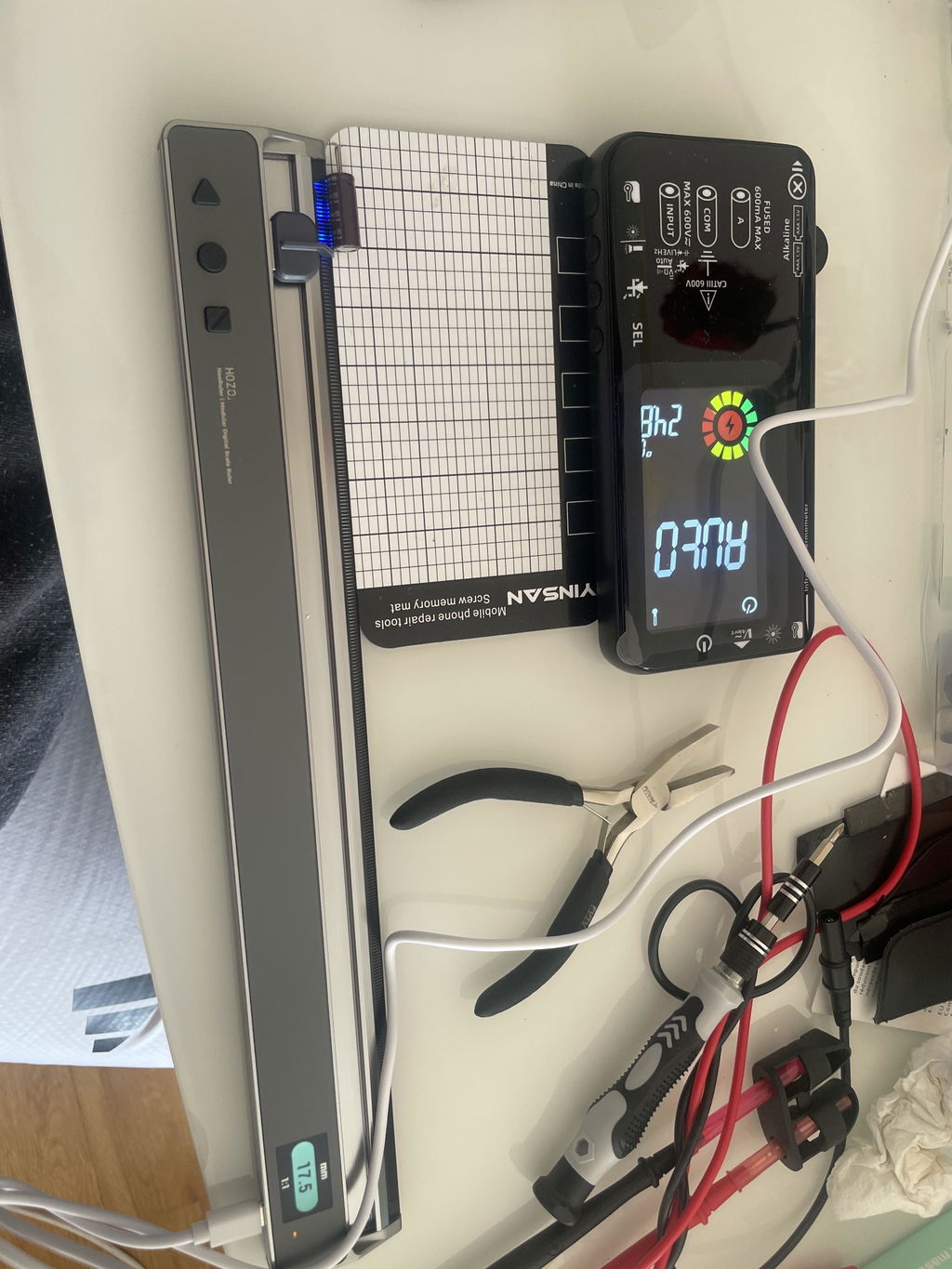
Very easy and good technology for measurement.
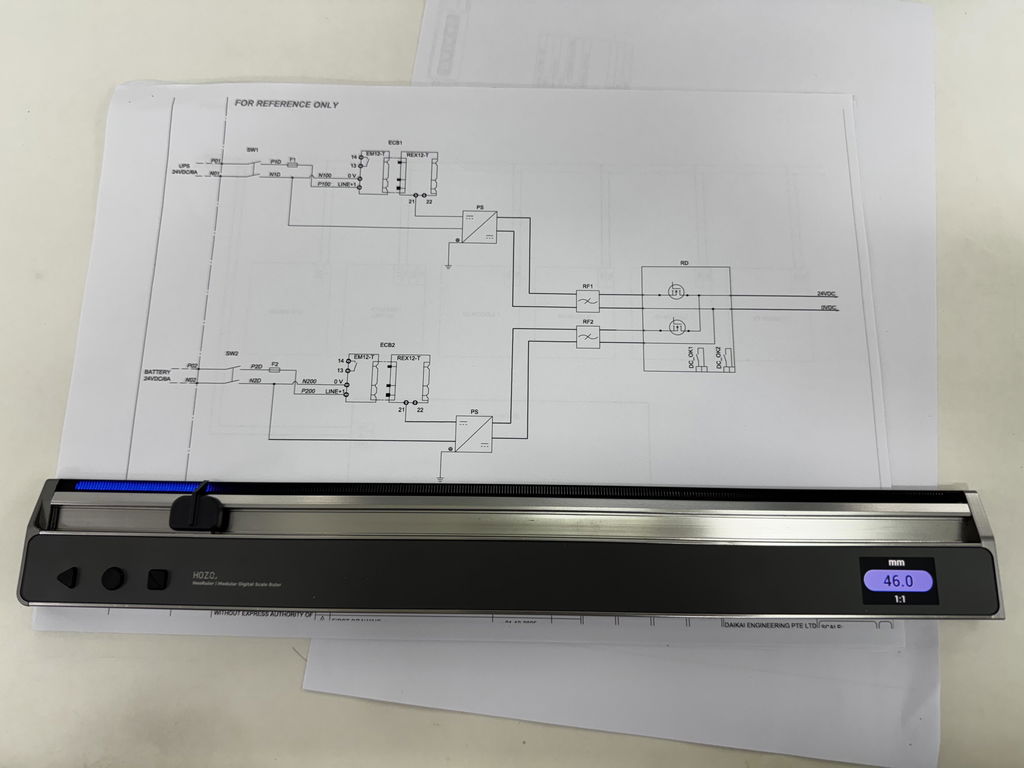
Love the concept. In practice it does what it says. Feels like quality, screen is easy to read and update frequency is fine.
Would like to be able to adjust the brightness of the lights on the scale. In a darkened room they are so bright that it's difficult to see what you are measuring.
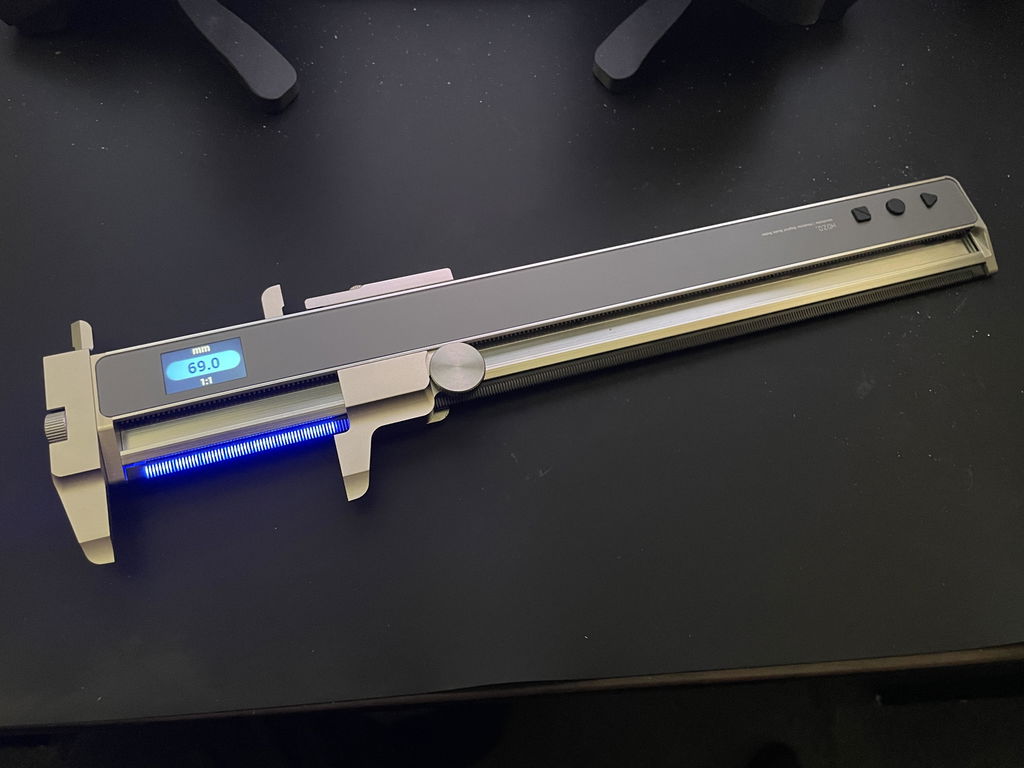
Absolutely awesome I thought with all the scams these days I was worried this could be one, but what an amazing bit of kit. I run the design team building custom parts for hot rods and custom cars. I absolutely love the ruler/caliper would highly recommend. It makes finding centres a very simple task and custom scaling just blows my mind.
It’s a great concept, but has flaws!! Can’t use the entire length of the ruler.
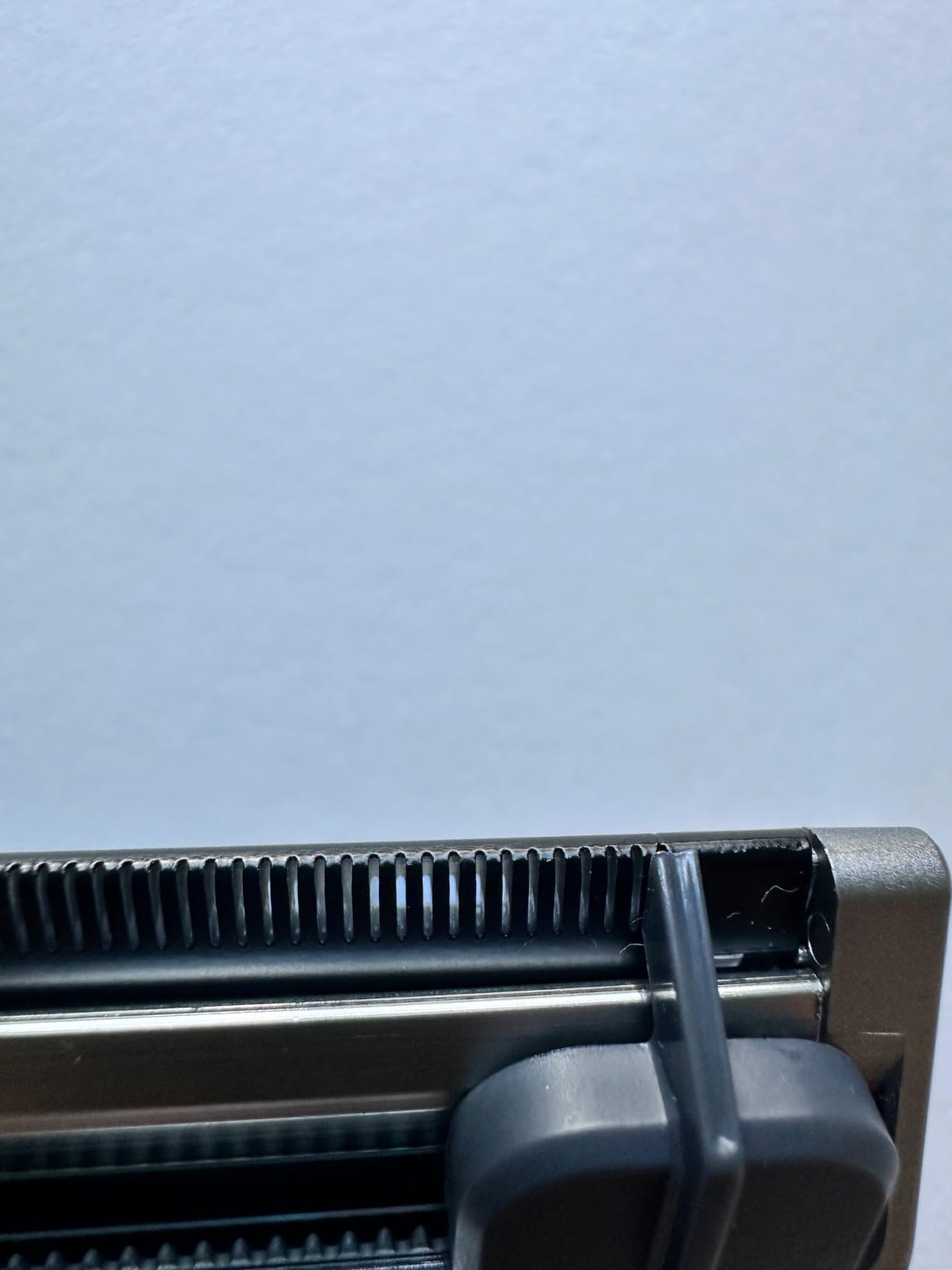
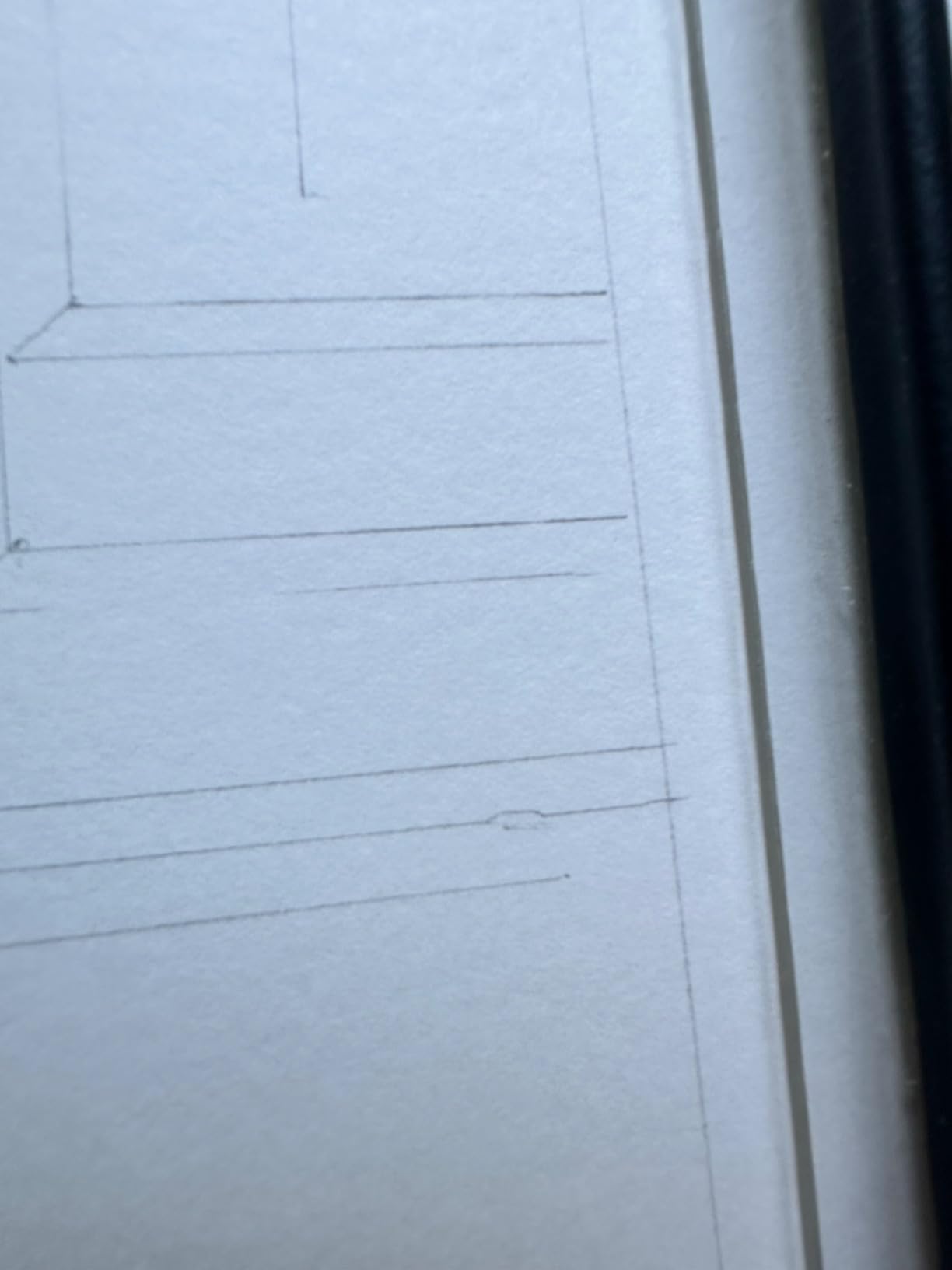
Custom scale will save me hours.
Great
Great
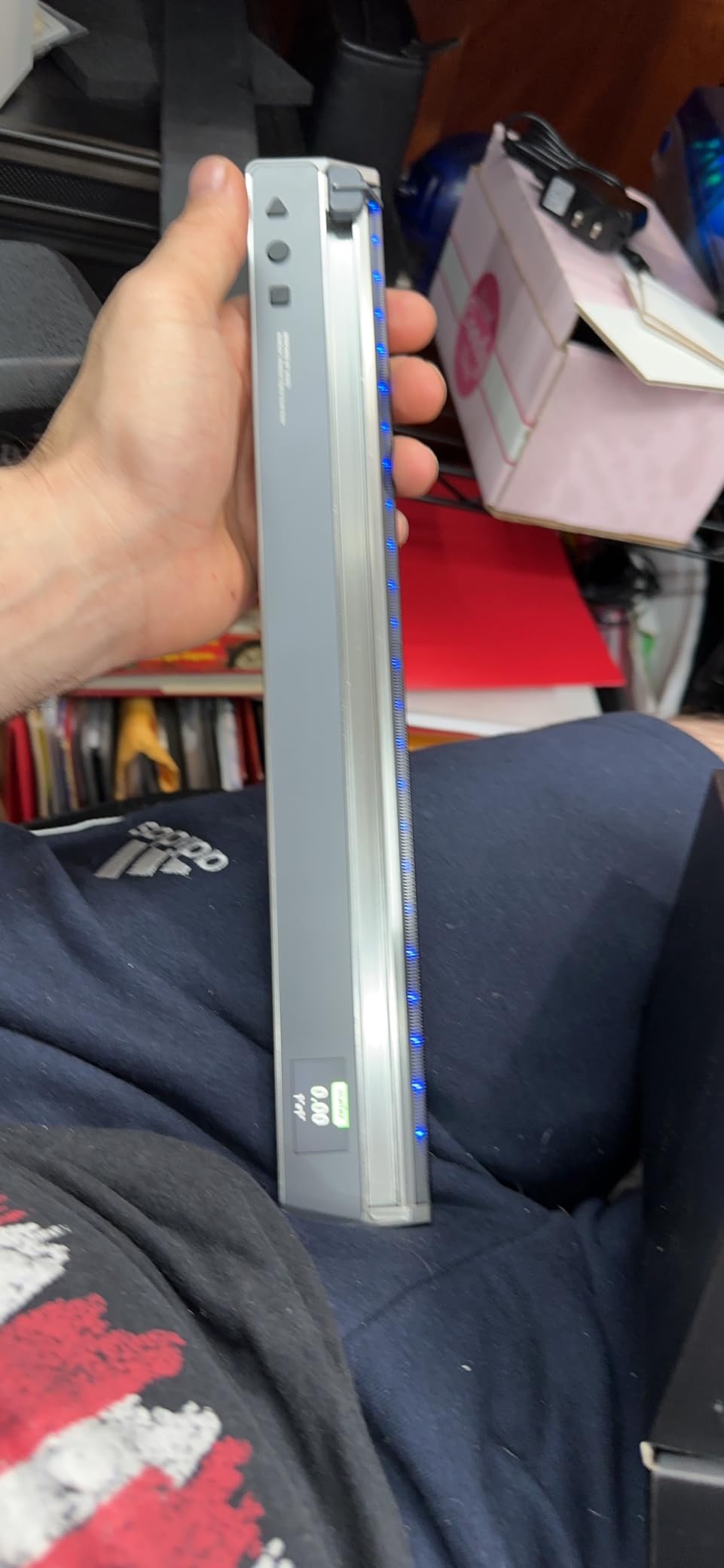
It does everything, the best way to convert measurements from inches to millimeters and more, the app is unique, but the whole thing is just perfect and accurate, thx Mrwhoestheboss for showing me this, this is the best tool I've ever used.
It does everything, the best way to convert measurements from inches to millimeters and more, the app is unique, but the whole thing is just perfect and accurate, thx Mrwhoestheboss for showing me this, this is the best tool I've ever used.
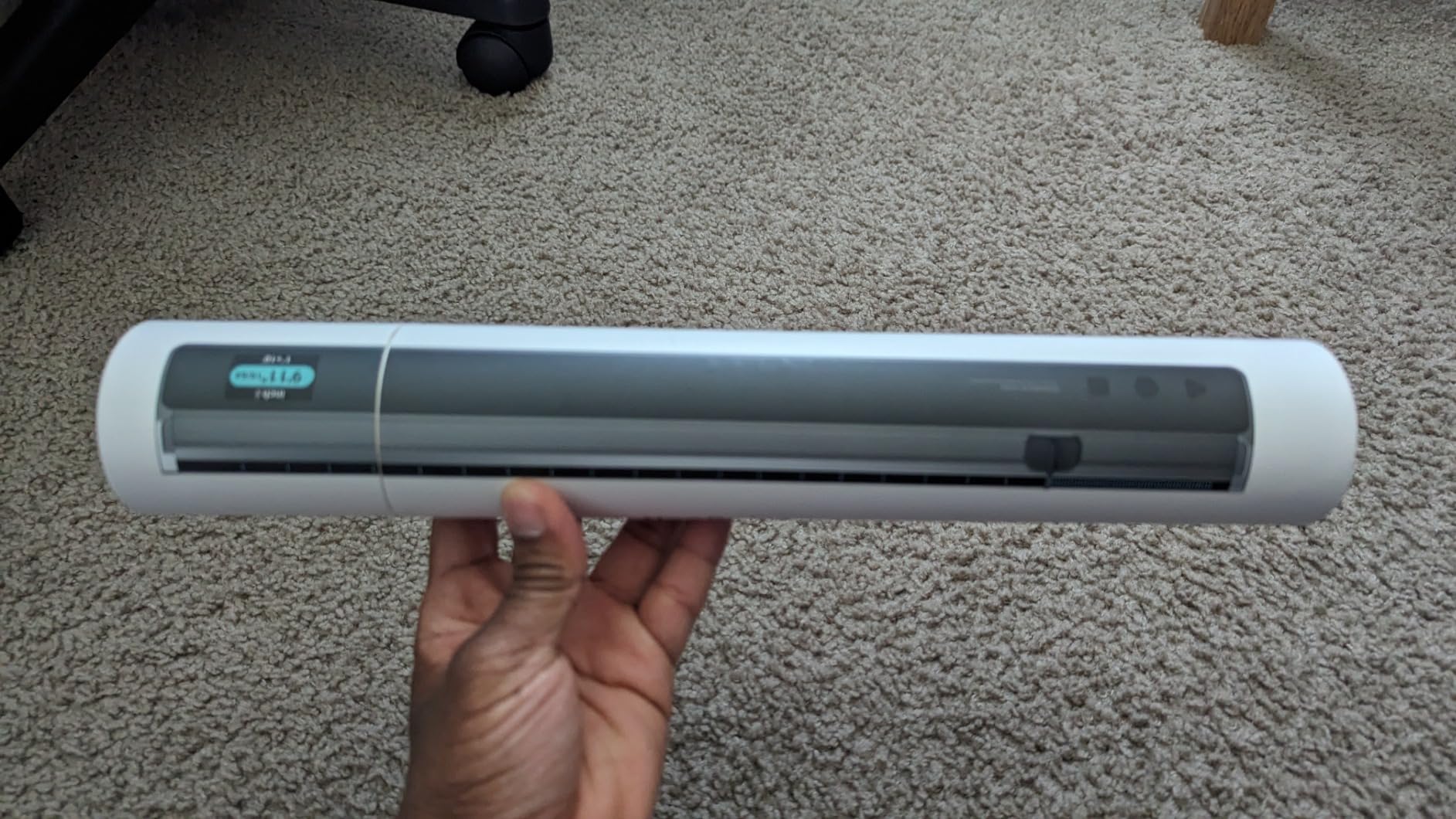
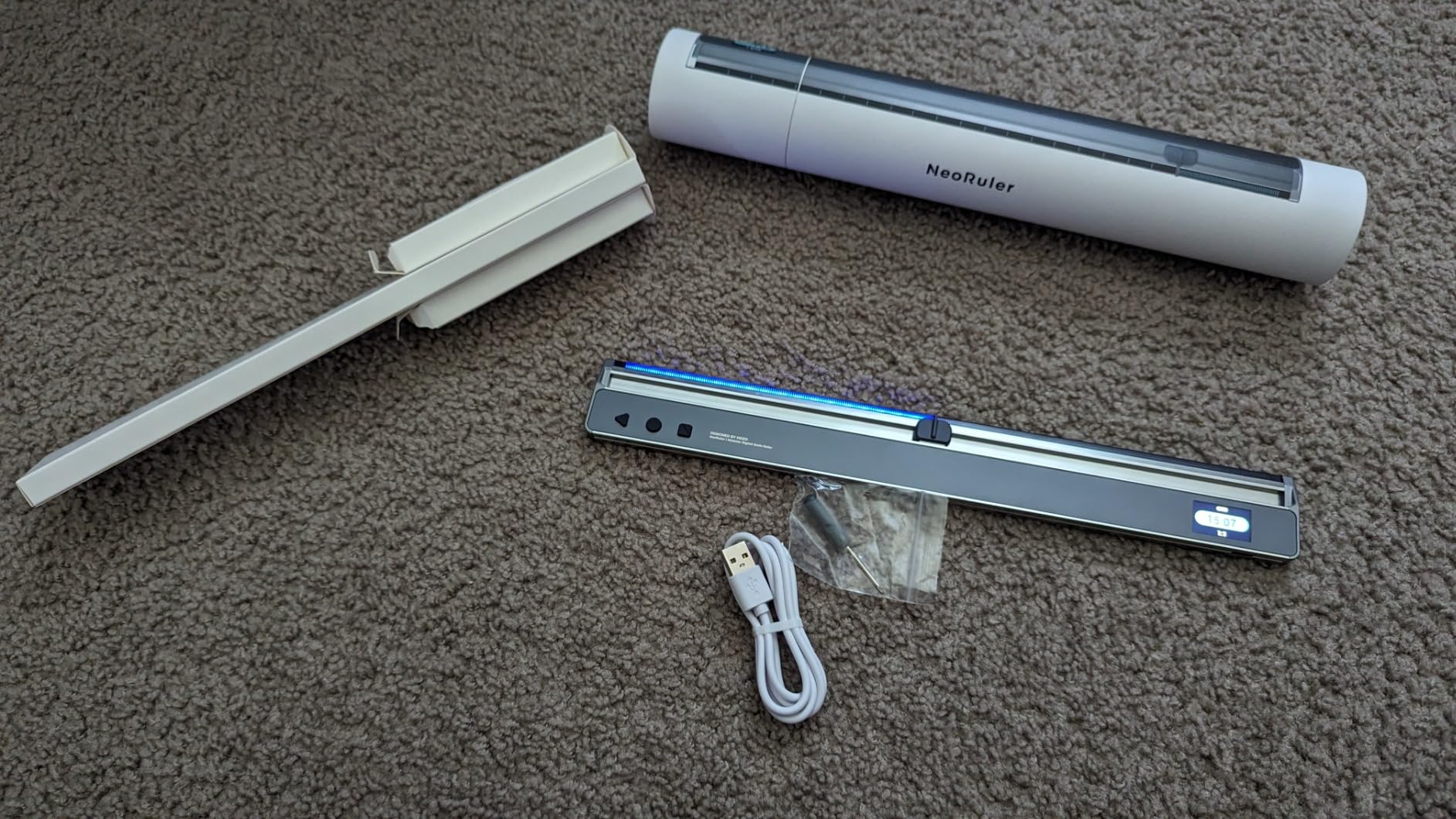
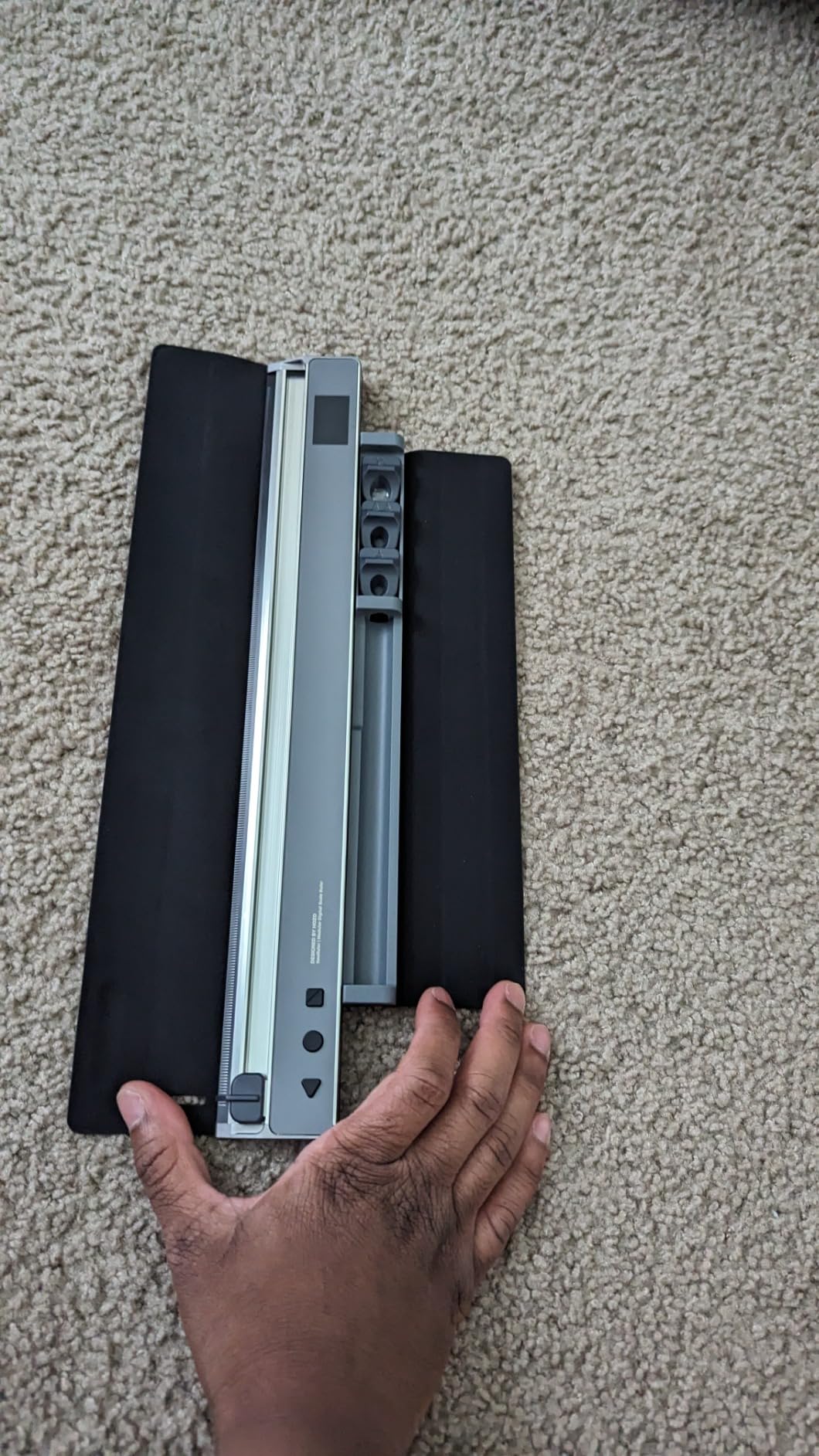

The best use case for this ruler is someone who needs to draw in different scales. It’s clear that was the original intent here. And it’s awesome for that. I like using it for the auto dividing sections feature, handy for finding the exact middle of any arbitrary length. The calipers feel like a bit of a “because we could” feature and are not really as good as a dedicated digital caliper. Primarily the bulky size and lower apparent precision makes the calipers more useful for quick random measurements that don’t need to be more accurate than a tenth of a mm. Also, if you are using it as a ruler, and decide to use it as a caliper it takes a bit of time to attach the parts and then reconfigure/calibrate for caliper mode. It would be faster and more convenient to grab a dedicated digital caliper since this caliper doesn’t do anything that inexpensive digital calipers do. So I would give the ruler 5 stars and the caliper 3 stars. Averaging out to 4 stars. The biggest issue is actually going to be the value proposition. If you primarily need calipers this isn’t a good value. If you mostly need the ruler and it’s scaling features it’s a better value. Lastly, it looks very cool with the led strip that lights the edge as you go. That cool factor may tip the value proposition for you. I will likely use it in ruler mode 90% of the time and I like using it. It’s fun and helpful. It’s just a big ask for most people I think.
This is an amazing digital caliber, super hight tech. My only complaint is that I have to read the directions on how to use all the features. I #D print a lot and having a digital caliper is a necessity. For this review I printed a calibration cube which on a tuned printer should be 20mm all around. Mine came in at 19.9 and 19.8. Close enough for me. This caliper pairs with an app which I will need to figure out how t use. It looks like not is for creating and saving projects. I did try to run the firmware upgrade option on the phone and it did not work. As I said there is so much this caliper can do and I have only scratched the surface with this review. Recommend
As I have decided to get a 3D printer I needed some calipers that were significantly better than the "cheap and nasty" set that I currently own. I saw this NeoRuler caliper kit and although I had not come across the make before I decided to take a chance and order it.
The kit has a very nice case to keep the ruler in and as for the ruler itself the quality of manufacture is extremely high.
It has a nice clear screen that is very easy to read and for basic measurements it certainly does what I need it to do, which is to measure accurately enough for some of the items I am considering creating with a 3D printer.
I have never had a set of calipers of this quality and price before and for me I found the settings that are available with this device to be confusing. To be fair, if you are someone who has had this level of caliper before that may well not be the case for you. The learning curve is steep for someone new to such a flexible device.
There is an app that goes with this kit, and I downloaded it to my Android tablet. Pairing the ruler with the app was very straightforward and quick. It appears to add a great deal of flexibility to how you can use the calipers and I am still learning just how much you can do with it.
Overall, I am pleased with the caliper kit and am very impressed with the quality of the finished item. It certainly puts my old plastic set of calipers to shame. The accuracy as far as I can tell is spot on for the device's claims.
I do wish that the instructions were aimed more at "beginners" than they are. Also, again for the inexperienced, a demonstration video rather than a marketing video would have been useful.
Having said all that, if you are in the market for a high-quality caliper kit then this is a set that you should consider.
This digital ruler is amazing. I can recharge it via USB A to USB C adapter cable. It is easy to operate with just three buttons. I can change the units of measurement, scale, and division, and it has several other useful settings and features that are accessible via the app. This ruler will be great for students, or designers that work in different measurements and scales. I highly recommend.
This digital ruler is amazing. I can recharge it via USB A to USB C adapter cable. It is easy to operate with just three buttons. I can change the units of measurement, scale, and division, and it has several other useful settings and features that are accessible via the app. This ruler will be great for students, or designers that work in different measurements and scales. I highly recommend.
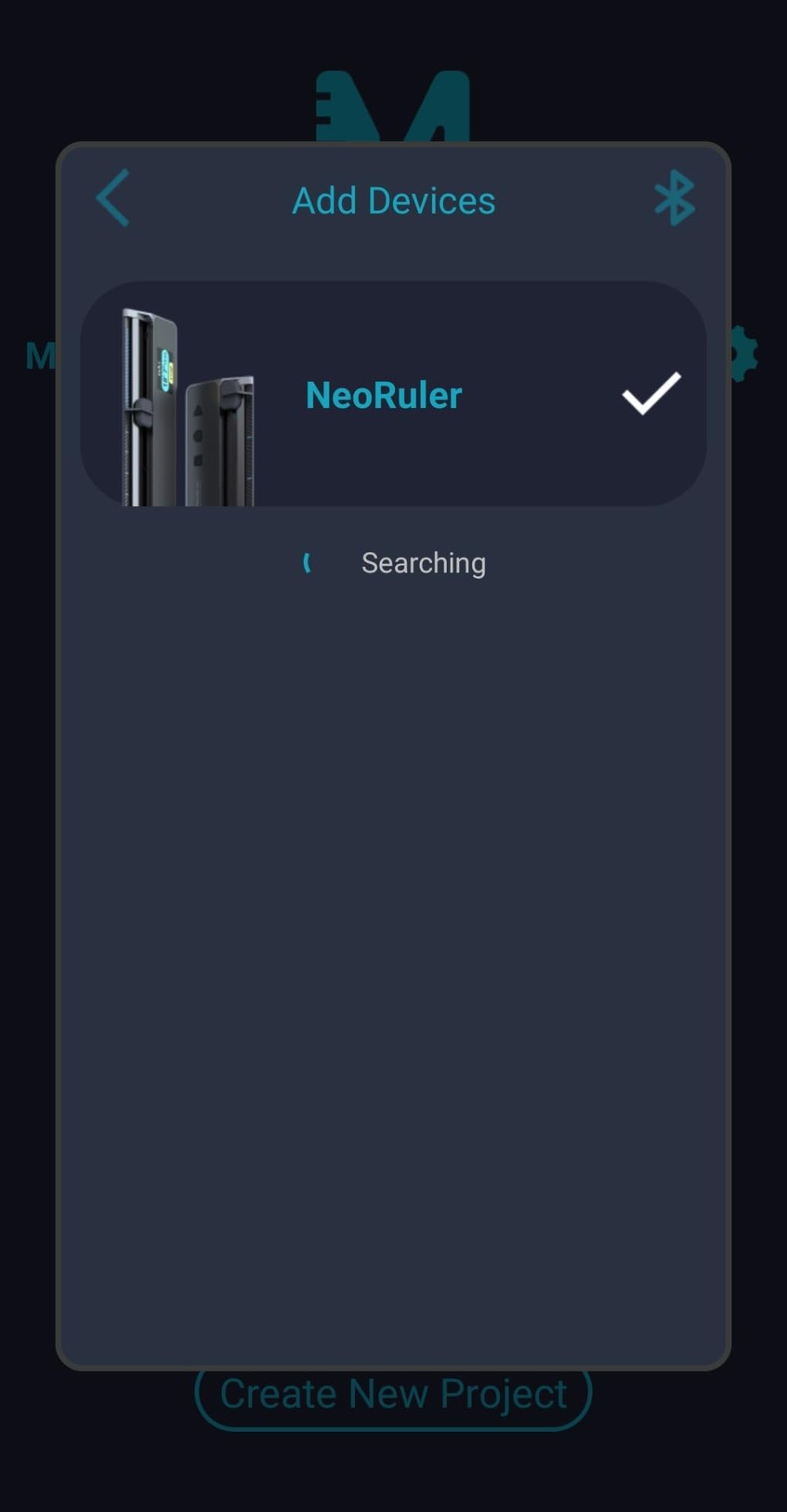
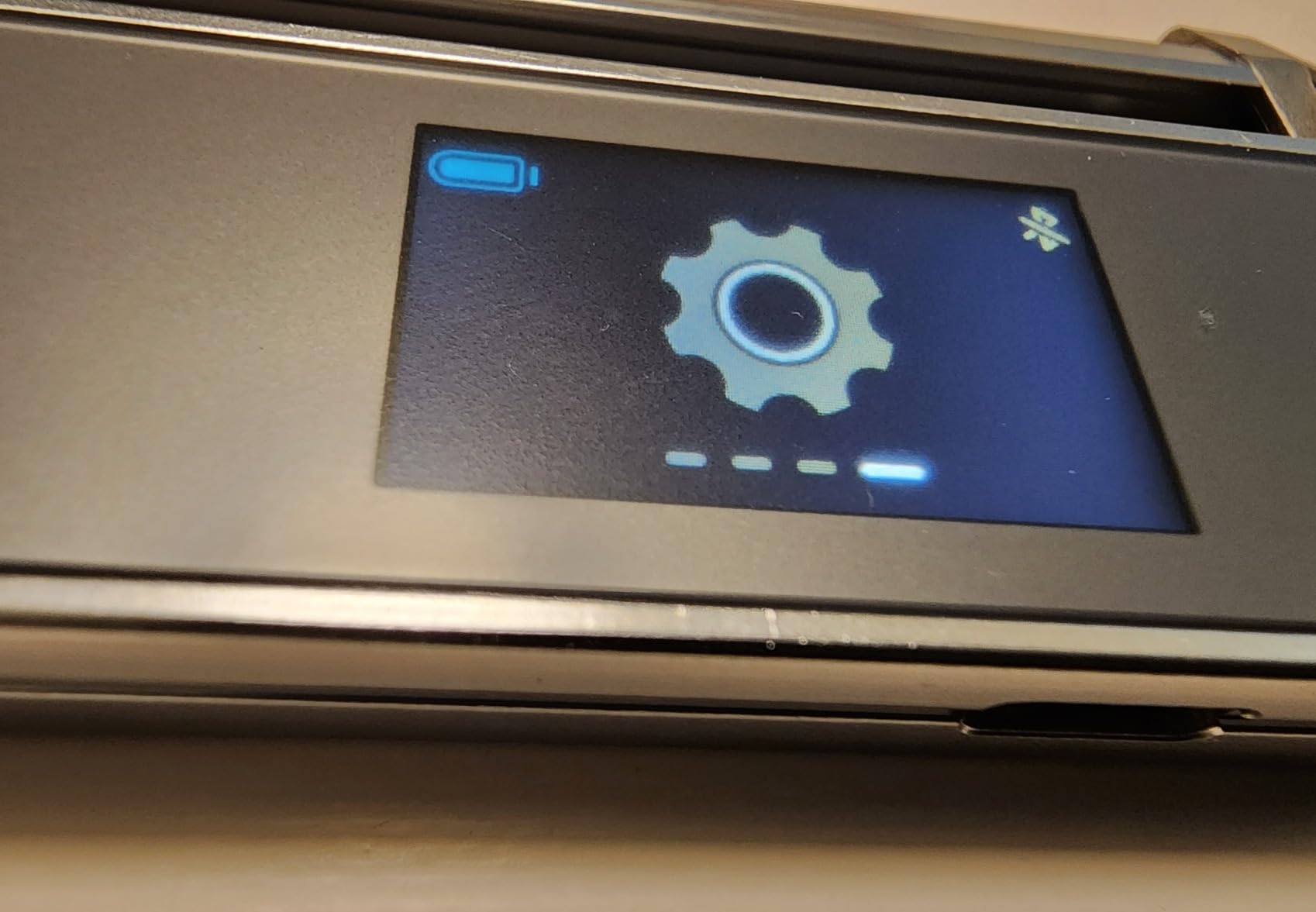
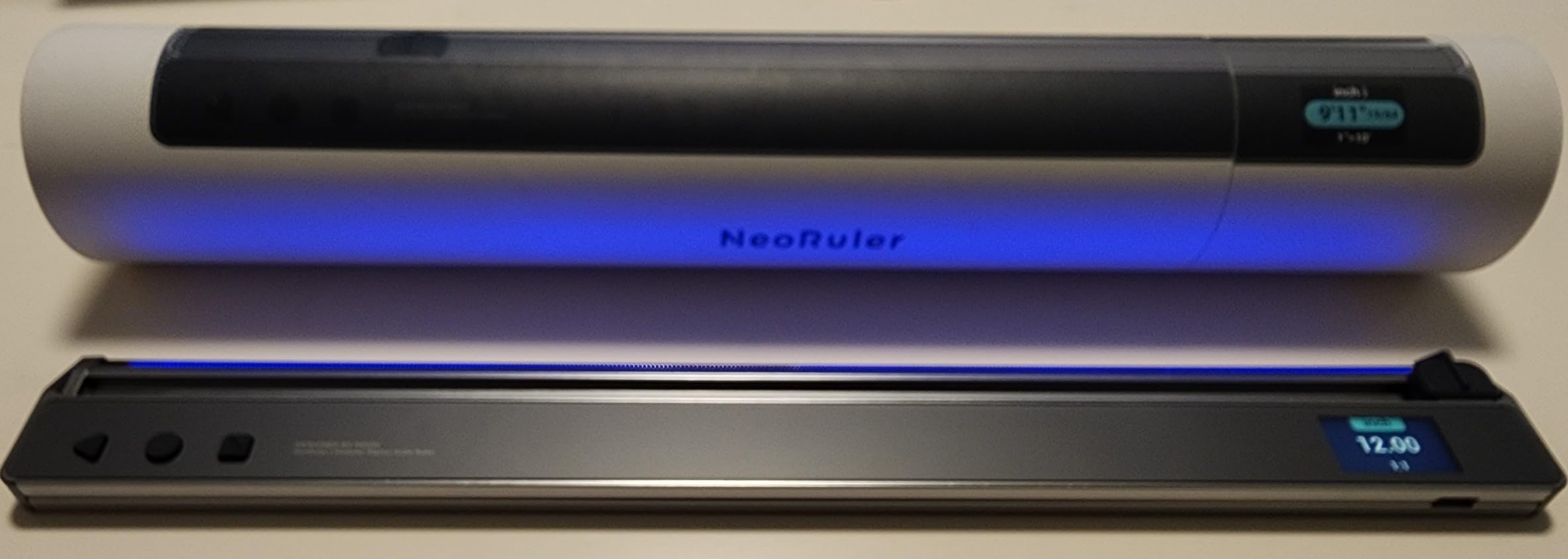
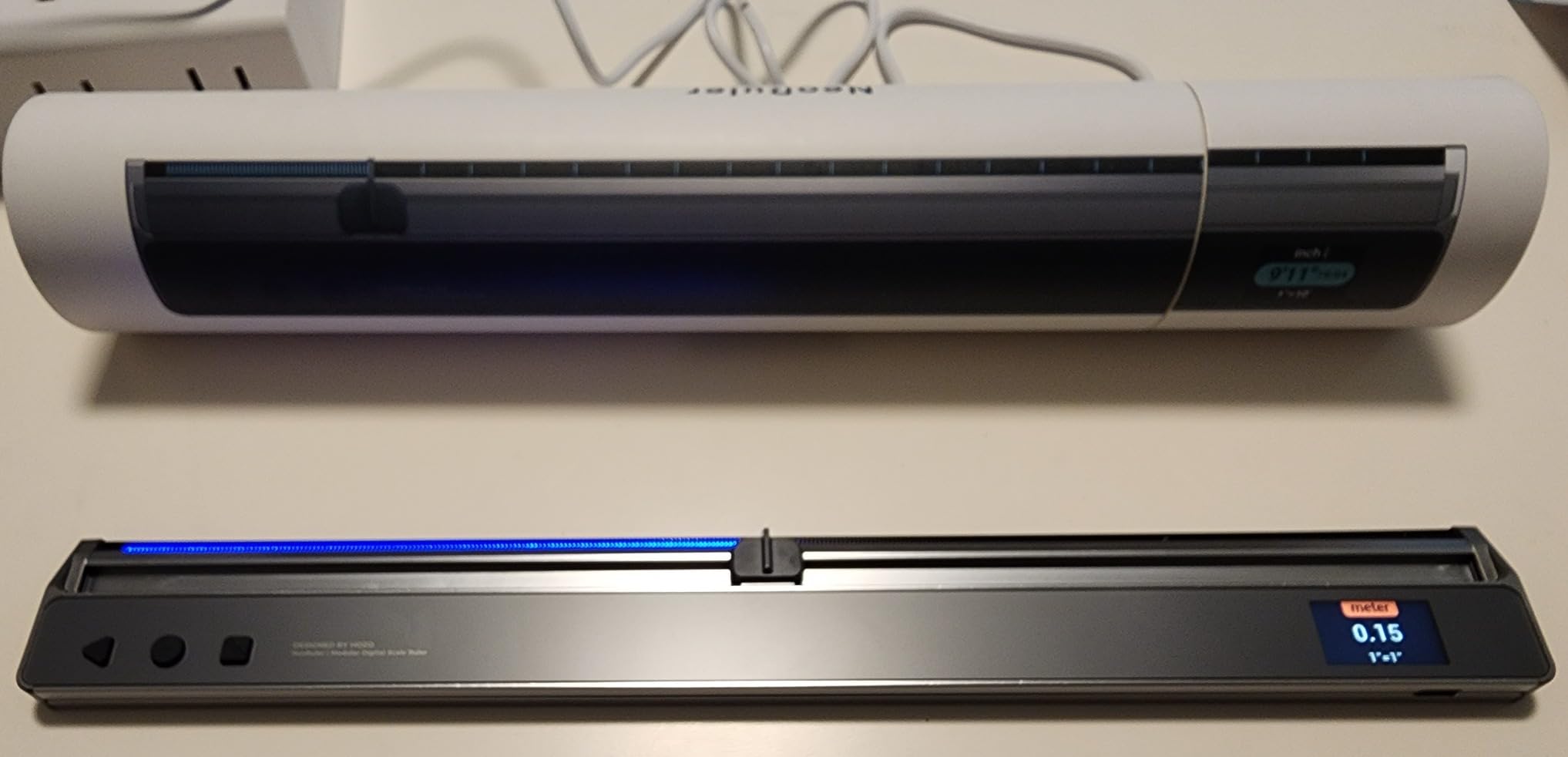
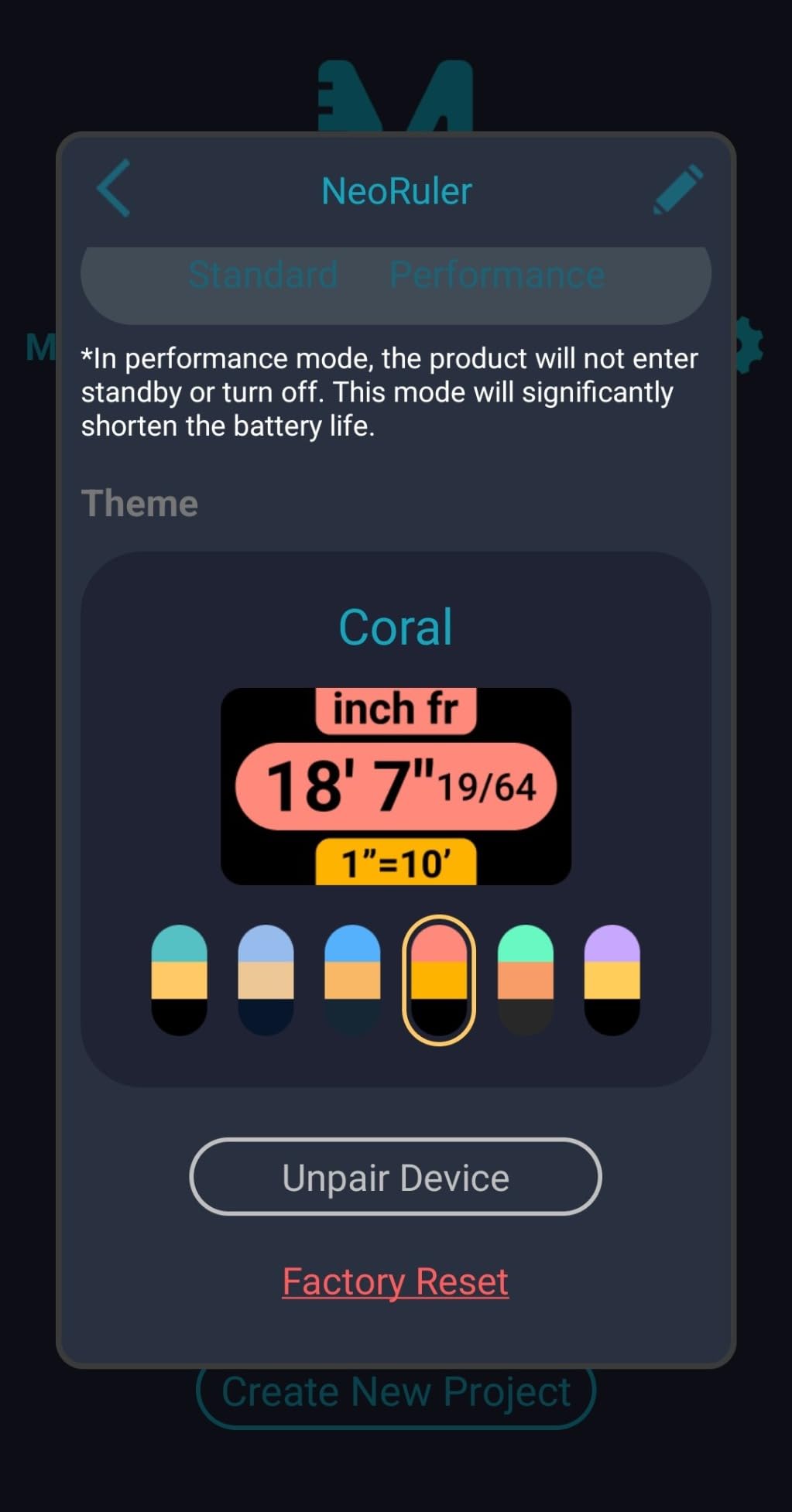
So I searched the internet for anything remotely similar but came up empty-handed. It's a fresh concept for efficiency and accuracy. It's a unique addition to the drafting toolkit.
My initial impression was reminiscent of the HP-15c, with its crisp tactile feedback, meticulous craftsmanship, precision engineering, plus a tiny Hi-Def LED display. It's a product instantly recognizable as premium. It wouldn't be out of place with a leather belt sheath, evoking the classic slide-rule aesthetic - kidding.
Setting it up was a breeze. I quickly configured the units, toggling between English and metric measurements. Navigating the multifunctional menu of preset scale factors and selecting the desired mode was straightforward. The self-contained scaling software boasts impressive accuracy.
Upon downloading the accompanying app, I was pleasantly surprised by the lightning-fast Bluetooth connection. The app offers various features, including data upload projects, setup shortcuts, function sets, and a unit converter. While I wasn't initially seeking a supporting app, it shows promise. However, it's glitchy (or I'm doing something wrong) at this early product introduction stage. The app has potential, but I have yet to explore its capabilities thoroughly. Here's hoping that future updates will address these issues.
The potential for rapid concept visualization, preCAD preparation, and sketching is evident. I used it for a marquetry project, where I needed to downscale an architectural detail for scroll saw work – tedious. “Infinite scalability" translated down to 'fit-to-space' and made it worth the price.
Reviewing what is potentially poised to become an essential engineering tool is a privilege. Kudos to the keen forethought of the design team that designed the scale.
So I searched the internet for anything remotely similar but came up empty-handed. It's a fresh concept for efficiency and accuracy. It's a unique addition to the drafting toolkit.
My initial impression was reminiscent of the HP-15c, with its crisp tactile feedback, meticulous craftsmanship, precision engineering, plus a tiny Hi-Def LED display. It's a product instantly recognizable as premium. It wouldn't be out of place with a leather belt sheath, evoking the classic slide-rule aesthetic - kidding.
Setting it up was a breeze. I quickly configured the units, toggling between English and metric measurements. Navigating the multifunctional menu of preset scale factors and selecting the desired mode was straightforward. The self-contained scaling software boasts impressive accuracy.
Upon downloading the accompanying app, I was pleasantly surprised by the lightning-fast Bluetooth connection. The app offers various features, including data upload projects, setup shortcuts, function sets, and a unit converter. While I wasn't initially seeking a supporting app, it shows promise. However, it's glitchy (or I'm doing something wrong) at this early product introduction stage. The app has potential, but I have yet to explore its capabilities thoroughly. Here's hoping that future updates will address these issues.
The potential for rapid concept visualization, preCAD preparation, and sketching is evident. I used it for a marquetry project, where I needed to downscale an architectural detail for scroll saw work – tedious. “Infinite scalability" translated down to 'fit-to-space' and made it worth the price.
Reviewing what is potentially poised to become an essential engineering tool is a privilege. Kudos to the keen forethought of the design team that designed the scale.
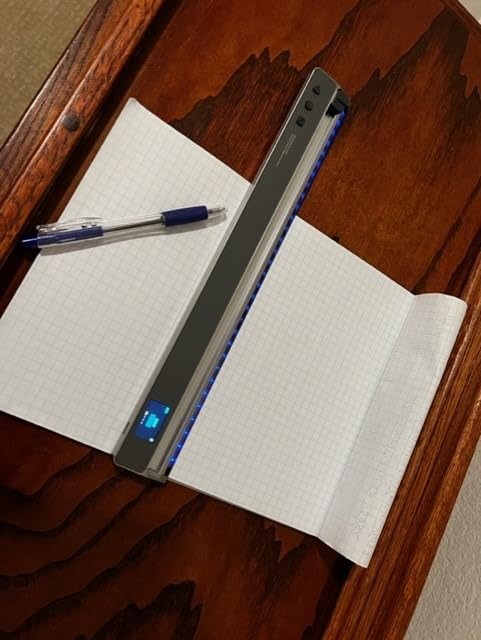

Amazing scale to use at the jobsite. This scale scales the physical drawings without the hassle of scanning them and uploading into bluebeam/onscreen softwares to adjust the scales. By connecting the scale to Bluetooth you can start the calibration of the scale to start measuring. You can also pinpoint the drawings using the meazor application for the scale. Overall very satisfied with this scale.
Amazing scale to use at the jobsite. This scale scales the physical drawings without the hassle of scanning them and uploading into bluebeam/onscreen softwares to adjust the scales. By connecting the scale to Bluetooth you can start the calibration of the scale to start measuring. You can also pinpoint the drawings using the meazor application for the scale. Overall very satisfied with this scale.

This ruler is awesome at creating accurate markups and digitizing them with the app. It has several modes to choose from and can even do your division for you. There are several accessories as well, that include everything from a caliper to a magnifier. It's quite the versatile tool.

Internationell frakt

Fri frakt på beställningar över 180 $

1 års garanti

14 dagars problemfria returer